
Systems, connected
- Lead arrives from your website
- CRM updated
- Customer gets a reply
- Meeting booked
- Team notified
Four tools updated, no copy-paste
AI Integrations
Your CRM doesn't talk to your calendar. Your calendar doesn't talk to your email. And somewhere in the middle, a person is copying and pasting.
We connect the tools you already use, with AI in the middle, so information moves on its own and nobody has to be the glue.
Systems, connected
Four tools updated, no copy-paste
AI integration connects the software you already use, such as your CRM, calendar, email, website and internal systems, so information moves between them on its own. AI sits in the middle, reading, deciding and acting across all of them, so nobody has to copy data by hand.
Last updated
I copy details from my email into the CRM.
Every lead gets typed in at least twice.
Our calendar and our CRM never agree.
Somebody has to double-check which one is right.
The data's all there. It's just in five places.
So nobody fully trusts any of them.
Every new tool adds another login and another gap.
More software, more places for things to fall through.
You don't have to buy anything new. You need what you have to work together.
Whatever you use today, the goal is the same: a change in one place shows up everywhere it should.
All of it happens without anyone touching a keyboard.
Want the work itself taken off your team too? See AI Automation
And where information gets stuck between them. A quick list is plenty.
We show you what should flow where, what we'd connect first and what changes for your team.
Connections can break when a tool updates. We watch for that and fix it.
A good integration leaves you with a better way of working.
Tell us which tools to connectMost modern business tools that offer a connection, including CRMs, calendars, email, phone systems, help desks, accounting tools and spreadsheets. When a tool doesn't have a ready-made one, we can often build it.
No. The point is to make your current tools work together, not to swap them out. We add the AI and the connections around what you already have.
We give each connection only the access it needs, agree how data is handled with you up front, and keep a record of what the system did. Our Security page explains our approach.
There are usually still options, such as email, file exports or a custom connector. We'll tell you honestly what's practical before we start building.
Connections can break when a tool updates. We build in checks to notice that, and fixing it is part of ongoing support after launch.
It depends on how many tools are involved and how much needs to flow between them. After a first conversation we give you a clear scope and an estimate. We usually suggest connecting the two or three tools that cost you the most time first.
Where it helps
The same work, seen from the part of the business that hurts.
Give every customer an answer before they give up waiting.
Reply to every lead in seconds, and book the next step.
Stop being the glue between your tools.
Stop retyping what's already on the page.
One place where your team can ask, find and get things done.
Stop spending your team's hours on work software can handle.
Let the team handle the work that never stops.
Your AI should get better, not just bigger.

Automation
Manual data entry, missed calls, late invoices and more. See how AI automation fixes seven costly small business problems, with examples you can adapt.
Automation
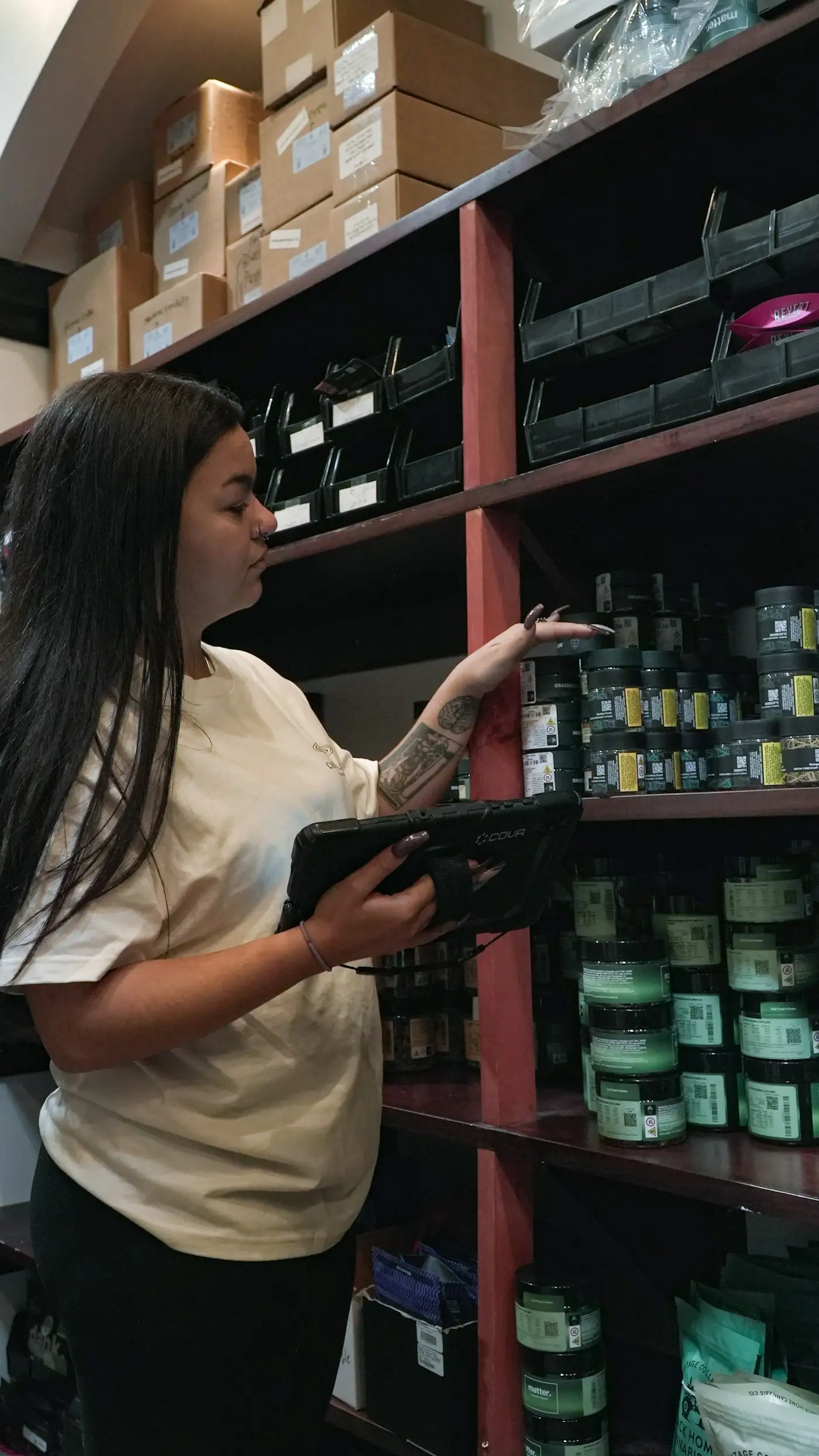
Learn which business processes AI can automate, where it works best, what to avoid, and how to choose your first high-value workflow.
Automation
Stop re-typing invoices and forms. See how a teammate reads your documents, checks them and sends clean data to your CRM or accounting tool, in five steps.
We'll map the connections and show you what changes when they do.
Get StartedPrefer to write it down? Tell us what you need or call +1 (720) 604-7231

Sam is an AI assistant and can make mistakes; a person reads every booking. Chats are saved to improve the service. Privacy
