
Automation 12 min read
AI Automation for Small Business: Solve These 7 Costly Problems (2026)
Manual data entry, missed calls, late invoices and more. See how AI automation fixes seven costly small business problems, with examples you can adapt.
Text size
Font

On this page
- What counts as AI automation?
- The 7 most expensive problems in a small business
- How does AI automation fix each problem?
- Three quick wins you can set up this week
- Should you use simple automation or an AI agent?
- How do you measure the return?
- What does it cost, and where should you start?
- Next steps: book a free 20-minute Automation Audit
AI automation can take over seven of the most expensive jobs in a small business: re-typing data, answering the phone, chasing invoices, booking appointments, replying to customers, moving information between tools and guessing demand. You don’t need to fix all seven. Pick the one that costs you the most right now, automate that, and measure the result before you move on.
This guide takes the problems one at a time: what each one costs, what the fix looks like and how to tell whether it’s worth doing. The examples use round, made-up numbers so you can swap in your own. Where a figure comes from a study or a survey, it’s linked in the text and listed at the end, so you can check it yourself.
What counts as AI automation?
AI automation is software that does a repeatable job for you, including the parts that used to need a person to read, listen or decide. Older “if this, then that” automation follows fixed rules and breaks when something unexpected turns up. AI can cope with the messy parts: a free-text email, a scanned invoice, a caller who rambles.
Three terms get mixed up, so here is the short version:
- Automation follows rules you set. When a form is submitted, add a row to a sheet.
- A chatbot answers questions in a conversation.
- An AI agent does a whole job. It reads the request, looks things up, updates your tools, replies, and asks a person when it isn’t sure.
Most small businesses end up with a mix of the three. Our guide to AI agents, chatbots and automation helps you pick between them.
If you haven’t started yet, you’re in good company. In the US Census Bureau’s Business Trends and Outlook Survey, between 17% and 20% of businesses said they were using AI from December 2025 to May 2026, and fewer than one in five of the smallest firms (four employees or fewer) were (Census Bureau). The uses that pay off first are well understood by now, and they are the seven below.
The 7 most expensive problems in a small business
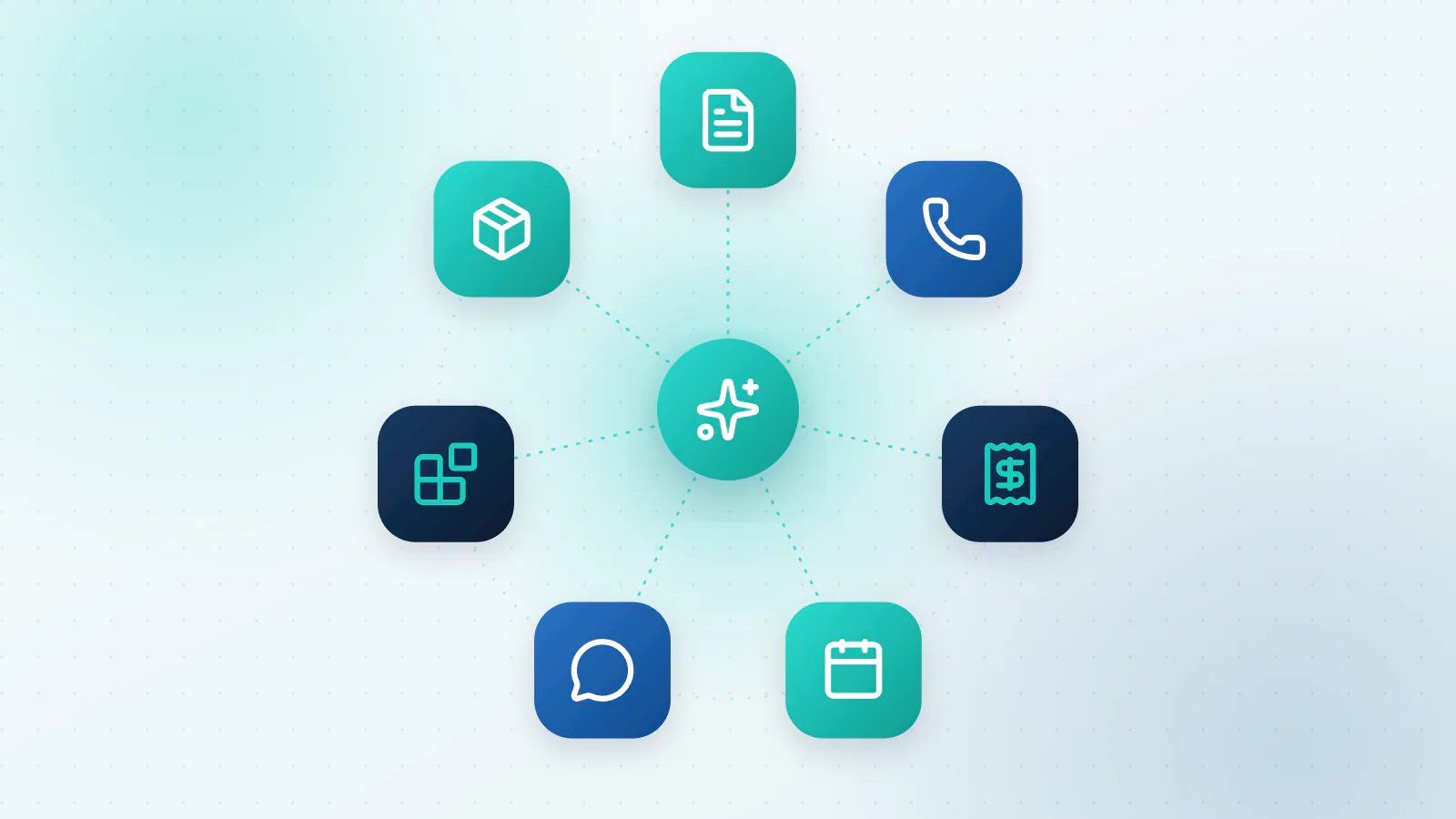
Each problem below follows the same pattern: what it is, why it costs more than it looks, and what the fix looks like. The links go to a full guide on each one.
1. Time lost on manual data entry
The problem. Someone copies figures from invoices, forms and emails into a spreadsheet, your accounting software or a CRM. It’s dull, it never stops, and it’s easy to get wrong.
Why it costs more than it looks. There’s the time, and there are the mistakes. In a controlled study by Kimberly Barchard and Larry Pace, people typing data from paper sheets made errors at a rate of around 1%, and checking the entries by eye did no better than typing them once (Computers in Human Behavior, 2011). One in a hundred sounds small until it’s the wrong amount on a real invoice.
What the fix looks like. Software reads the document, pulls out the fields, checks them against rules (does the total add up? is this a duplicate?) and sends clean data to the right system. A person only sees the few items it isn’t sure about.
Go deeper: How to automate manual data entry.
2. Missed calls and leads after hours
The problem. The phone rings while you’re with a customer, out on a job, at lunch or after closing. Most people don’t leave a voicemail. They ring the next business.
Why it costs more than it looks. Speed decides who gets the job. A Harvard Business Review study of 1.25 million web inquiries sent to 42 companies found that firms responding within an hour were nearly seven times as likely to have a meaningful conversation with a decision-maker as firms that responded an hour later, and more than 60 times as likely as those that took a day or longer (HBR, 2011). That study looked at web leads, not phone calls, but a caller who gets voicemail is in the same position as someone waiting for a reply.
What the fix looks like. An AI receptionist answers every call, helps the caller, books the appointment into your real calendar and sends you a summary.
Go deeper: AI receptionist for small business.
3. Late invoices and cash-flow gaps
The problem. Invoices go out late, or go out and then sit. Chasing them is the job nobody has time for, so it gets done in bursts, usually when cash is already tight.
Why it costs more than it looks. QuickBooks’ 2026 report found that 59% of the US small businesses it surveyed had invoices overdue by 30 days or more, up from 47% the year before, and that businesses with unpaid invoices were owed about $17,700 on average. Thirty-nine percent said a single late payment had made it hard to cover payroll or bills in the past year (QuickBooks). It’s a software vendor’s survey, so treat the exact figures with some care. The pattern itself will be familiar to most owners.
What the fix looks like. The invoice goes out the moment the work is done, with a pay-now link. Friendly reminders go out before and after the due date, and clear rules decide when a person steps in.
Go deeper: How to automate invoice follow-ups.
4. Scheduling chaos and no-shows
The problem. Finding a time takes four messages. Someone gets double-booked. Someone else forgets and doesn’t turn up, and the slot is wasted.
Why it costs more than it looks. A review of 105 studies of missed appointments found an average no-show rate of about 23% in healthcare, ranging from 13% in Oceania to 43% in Africa (Health Policy, 2018). Your own rate will differ, which is exactly why it’s worth measuring. Reminders help: a Cochrane review of eight trials found that attendance was 78.6% with text message reminders against 67.8% without (Cochrane, 2013). Both studies are about healthcare, so treat them as a guide, not a promise.
What the fix looks like. An AI booking agent lets people book, move and cancel themselves, checks your real calendar so it never double-books, and sends the reminders.
Go deeper: AI appointment booking.
5. Slow replies to customers
The problem. Emails and messages wait for hours. The same ten questions arrive every week, and each one gets typed out again.
Why it costs more than it looks. In HubSpot Research’s 2018 consumer survey, 90% of people said an immediate response is important or very important when they have a customer service question (as reported by Small Business Trends). A slow answer means a second email, a lost sale or a customer who quietly stops coming back.
What the fix looks like. An assistant sorts each message by topic and urgency, drafts a reply from your own answers, and a person approves anything sensitive.
Go deeper: AI customer support automation.
6. Scattered tools and duplicate work
The problem. Customers live in the CRM, jobs live in a spreadsheet, conversations live in email, and the same details get typed into all three.
Why it costs more than it looks. Harvard Business Review reported on a study of 20 teams at three large companies in which people switched between apps and websites about 1,200 times a day, losing roughly four hours a week just getting their bearings again (HBR, 2022). A small business has fewer tools, but the pattern is the same: every extra place to type is a place for details to go missing.
What the fix looks like. An integration layer moves changes between your tools automatically, with AI in the middle where the data is messy.
Go deeper: How to connect your business tools with AI.
7. Guessing demand and stock
The problem. You order by feel. Sometimes you’re sitting on stock you can’t sell, and sometimes you’ve sold out of the thing everyone wants.
Why it costs more than it looks. Overstock ties up cash, and stockouts lose sales. McKinsey estimates that AI-driven forecasting can reduce errors by 20% to 50% in supply chain networks, and cut the sales lost to unavailable products by up to 65% (McKinsey). That’s from large supply chains with plenty of data, so a small shop shouldn’t expect the same.
What the fix looks like. Start simple: a reorder alert when stock falls below a level, adjusted for the season. AI forecasting makes sense once you have a year or two of clean sales data. This one deserves its own guide, which is on our list.
How does AI automation fix each problem?
Every fix above is built from the same five parts. If you can describe a job in these terms, it can be automated.
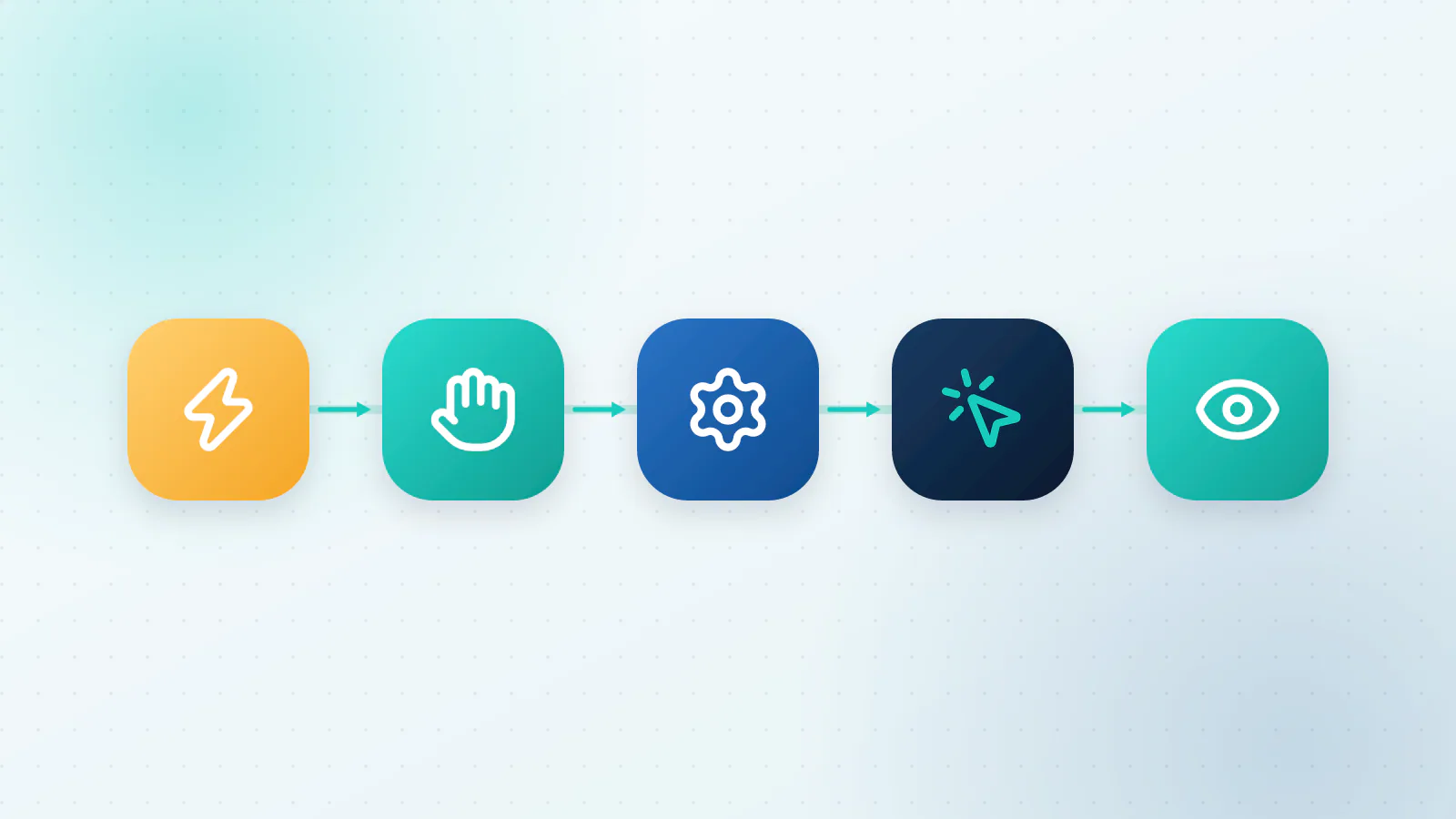
- Trigger. The event that starts it: an email arrives, a form is submitted, the phone rings, a job is marked done.
- Capture. Bring the information in: the PDF, the caller’s words, the form fields.
- Process. Work out what it means: read the invoice, understand what the caller wants, sort the request.
- Act. Do something: update the CRM, send the reply, book the slot, create the task.
- Monitor. Check that it worked: log what happened, flag exceptions, count the results.
Here is how the seven problems map onto those parts:
| Problem | Trigger | Where AI helps | Action |
|---|---|---|---|
| Data entry | An invoice or form arrives | Reads the fields and checks them | Posts to accounting or the CRM |
| Missed calls | The phone rings | Understands the caller, answers, qualifies | Books the appointment, texts a summary |
| Late invoices | Job marked done; due date nears | Writes reminders, reads replies | Sends the invoice, reminds, escalates |
| No-shows | An appointment is booked | Handles changes and rebooking | Confirms, reminds, refills the slot |
| Slow support | A message arrives | Sorts it and drafts a reply from your answers | Sends it once approved |
| Scattered tools | A record changes in one tool | Matches and cleans the data | Updates the others |
| Guessing demand | New sales data arrives | Spots patterns and seasons | Suggests what to reorder |
The fifth part, monitoring, is the one people skip. An automation that nobody watches slowly stops working. Our guide to how to tell if your AI is working lists the numbers worth tracking.
Three quick wins you can set up this week
If you want to start small, these three are low-risk. A simple first version of each often takes an afternoon with a tool like Zapier, Make or n8n, plus an AI step where the input is messy. Treat them as experiments: switch one on for a week, then look at what it did.
Quick win 1: file invoices and log the details
- Trigger: an email with a PDF attached arrives at a dedicated address, like invoices@yourbusiness.com.
- Action: save the attachment to a shared folder and write the supplier, amount and date into a sheet.
- Why start here: nothing is posted to your books yet, so the risk is tiny. You just stop hunting for attachments.
Quick win 2: draft replies to the questions you answer every day
- Trigger: a new email or message that mentions pricing, hours, returns or delivery.
- Action: An assistant writes a draft reply from your own FAQ page. You read it, fix it if needed and press send.
- Why start here: a person approves every reply, so you learn how well it works before it talks to a customer alone.
Quick win 3: catch every lead and answer within minutes
- Trigger: someone fills in the form on your website.
- Action: create the contact in your CRM, send an acknowledgement, add a call-back task and notify you.
- Why start here: it uses the speed advantage from the Harvard Business Review study above, and it’s easy to measure.
Should you use simple automation or an AI agent?
Use the simplest tool that does the job.
| Rule-based automation (Zapier, Make, n8n) | AI agent | |
|---|---|---|
| Best for | Clear rules, structured data, stable tools | Messy input, language, judgment calls |
| Example | A new form row becomes a CRM contact | Reads an email, works out what’s needed, replies |
| Strengths | Quick to set up, cheap, easy to change | Flexible, copes with ambiguity |
| Watch out for | Breaks when the input changes | Needs limits, review and monitoring |
A good rule of thumb: try simple automation first, and add AI only where the work involves language, documents or decisions. Many setups use both, with plain automation doing the plumbing and an AI step doing the reading.
How do you measure the return?
Track three things before you start and again after a month.
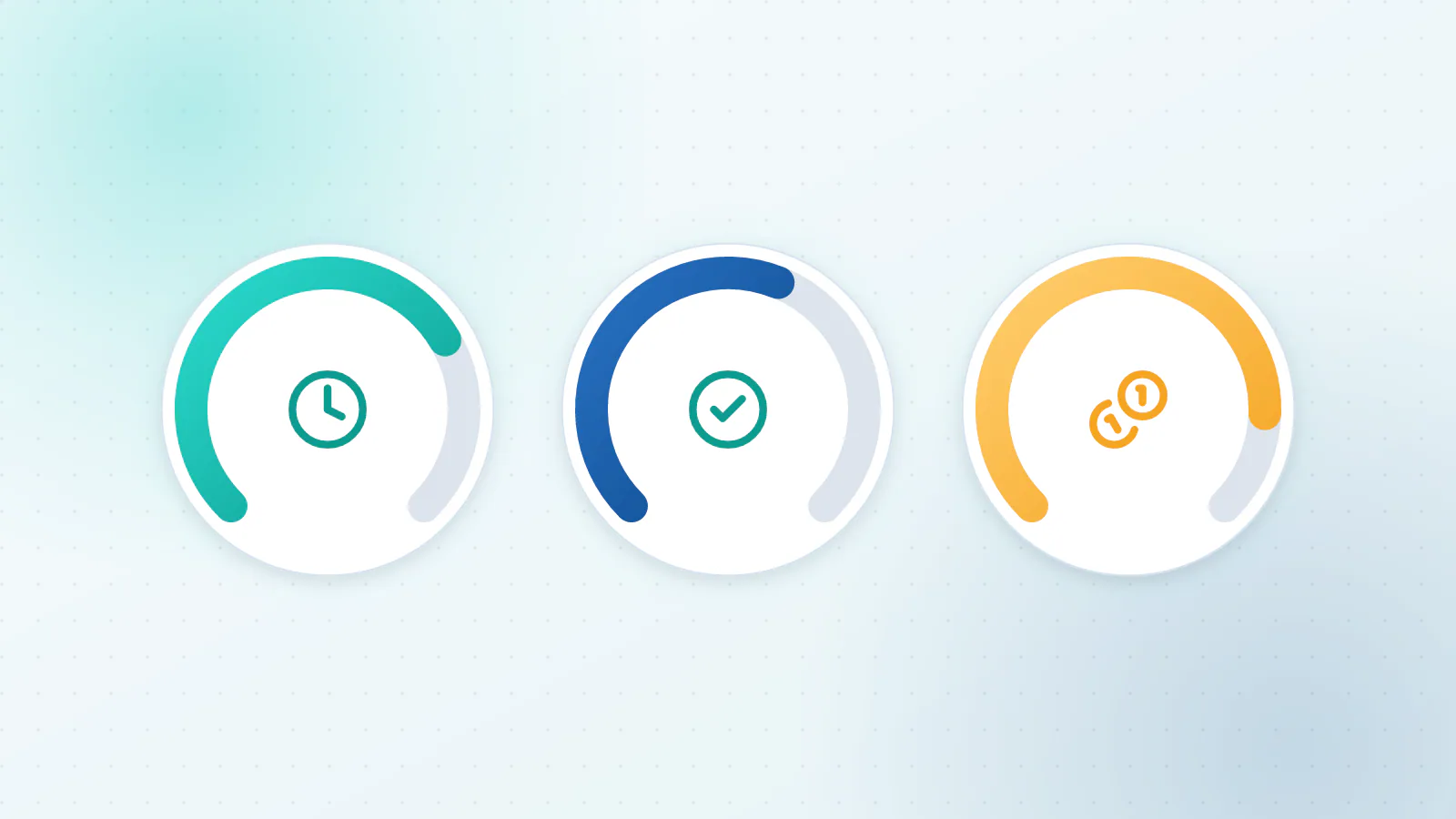
- Time saved. Hours per week multiplied by the cost of an hour.
- Errors avoided. The corrections, refunds and rework you no longer do.
- Revenue recovered. Calls answered that would have gone to voicemail, leads contacted sooner, invoices paid earlier.
With round numbers (not a client result). Say two people spend five hours a week each on data entry, and an hour of their time costs you $30. That’s 10 hours, or $300 a week, or about $15,600 a year. If automation removes 80% of it, the saving is about $12,500 a year. If the setup costs $4,000 and running it costs $100 a month, the first year nets about $7,300, and it pays for itself in a little over four months.
The formula for payback is simple: setup cost divided by the monthly benefit (after running costs). If a job pays back within a few months and the risk is low, it’s a good first project. If you can’t estimate the benefit at all, you’ve probably picked the wrong job.
The calculators on our AI Voice, AI Automation and AI Chat & Support pages do these sums with your own numbers.
What does it cost, and where should you start?
It depends on the job: how many steps it has, how many tools it touches and how much volume it handles. Our guide to what drives the cost of AI automation explains the pricing models and what to ask for in a quote.
For where to start, ask three questions about each candidate job. Does it happen often? Does it follow a pattern? Can you tell whether the result is right? Two or three yeses make it a good first project. If you want a structured way to compare your options, see how to choose the first process to automate. For a wider list of processes beyond these seven, see which business processes AI can automate.
Next steps: book a free 20-minute Automation Audit
If you’d like help working out which of these seven is worth doing first, we offer a free 20-minute Automation Audit. We’ll talk through how the work runs today, point out two or three automations worth doing, and give you a rough idea of the time saved and how quickly each would pay back.
Book a free 20-minute Automation Audit, or read more about our AI Automation service first.

Questions about your own business?
Ask Sam how this applies to you, or book a free 20-minute audit and talk it through with the team.
Frequently asked questions
What is AI automation for a small business?
It is software that does repeatable work for you, including the parts that used to need a person to read, listen or decide. Typical examples are reading invoices, answering calls, chasing payments, booking appointments and drafting replies to customers.
Which small business problems should I automate first?
Start with a job that happens often, follows a pattern and has a result you can check. For many small businesses that means invoice data entry, missed calls, invoice follow-ups or appointment booking.
How much time can AI automation save?
It depends on how often the task happens and how long it takes today. Multiply the hours per week by the cost of an hour to find the ceiling, expect the automation to save part of that, and measure the real figure after a month.
Is AI automation affordable for a very small business?
Often it is, because the first projects can be small. Many are built from tools you already pay for plus one AI step. Start with a single job and compare what it costs with the hours it gives back.
Do I need technical skills to use AI automation?
No. You describe the job and what a good result looks like, and the person building it handles the technology. At first you will review the exceptions the system flags, which is a business skill, not a technical one.
Sources
- Preventing human error: The impact of data entry methods on data accuracy and statistical results Computers in Human Behavior (Barchard and Pace, 2011)
- The Short Life of Online Sales Leads Harvard Business Review (Oldroyd, McElheran and Elkington, 2011)
- 2026 Small Business Late Payments Report Intuit QuickBooks
- No-shows in appointment scheduling, a systematic literature review Health Policy (Dantas et al., 2018)
- Mobile phone messaging reminders for attendance at healthcare appointments Cochrane (Gurol-Urganci et al., 2013)
- 82% of Consumers Expect Immediate Response on Sales or Marketing Questions (reporting HubSpot Research) Small Business Trends
- How Much Time and Energy Do We Waste Toggling Between Applications? Harvard Business Review (Murty, Dadlani and Das, 2022)
- AI-driven operations forecasting in data-light environments McKinsey
- Large firms with at least 20 employees are the biggest AI users US Census Bureau