
Automation 12 min read
What Business Processes Can AI Automate?
Learn which business processes AI can automate, where it works best, what to avoid, and how to choose your first high-value workflow.
Text size
Font
On this page
- What Is AI Automation in a Business Context?
- What Business Processes Can AI Automate?
- What Are Real-World Examples of AI Automation?
- How Does AI Automation Differ from Traditional Automation?
- When Should a Business Avoid AI Automation?
- How Should a Business Choose Its First AI Automation Project?
- What Are the Key Implementation Considerations for AI Automation?
- How Does AI Optimization Improve Automated Workflows?
- Practical Next Step
AI can automate business processes that are repetitive, high-volume, data-heavy, or based on recurring decisions. Common examples include invoice processing, lead qualification, customer-support triage, appointment scheduling, CRM updates, document review, reporting, and employee onboarding.
The best first AI automation is usually not the most complex workflow. It is a process that happens frequently, follows a recognizable pattern, has measurable cost or delay, and still allows a person to handle exceptions.
What Is AI Automation in a Business Context?
AI automation combines artificial intelligence with workflow orchestration to carry out business tasks with minimal human intervention. Unlike traditional rule-based automation, it can interpret unstructured inputs such as emails, documents, voice calls, and customer messages before triggering an action. McKinsey estimates that current generative AI and other technologies have the potential to automate work activities that absorb 60 to 70 percent of employees’ time today, up from its earlier estimate of about half, largely because generative AI understands natural language better (McKinsey, 2023).
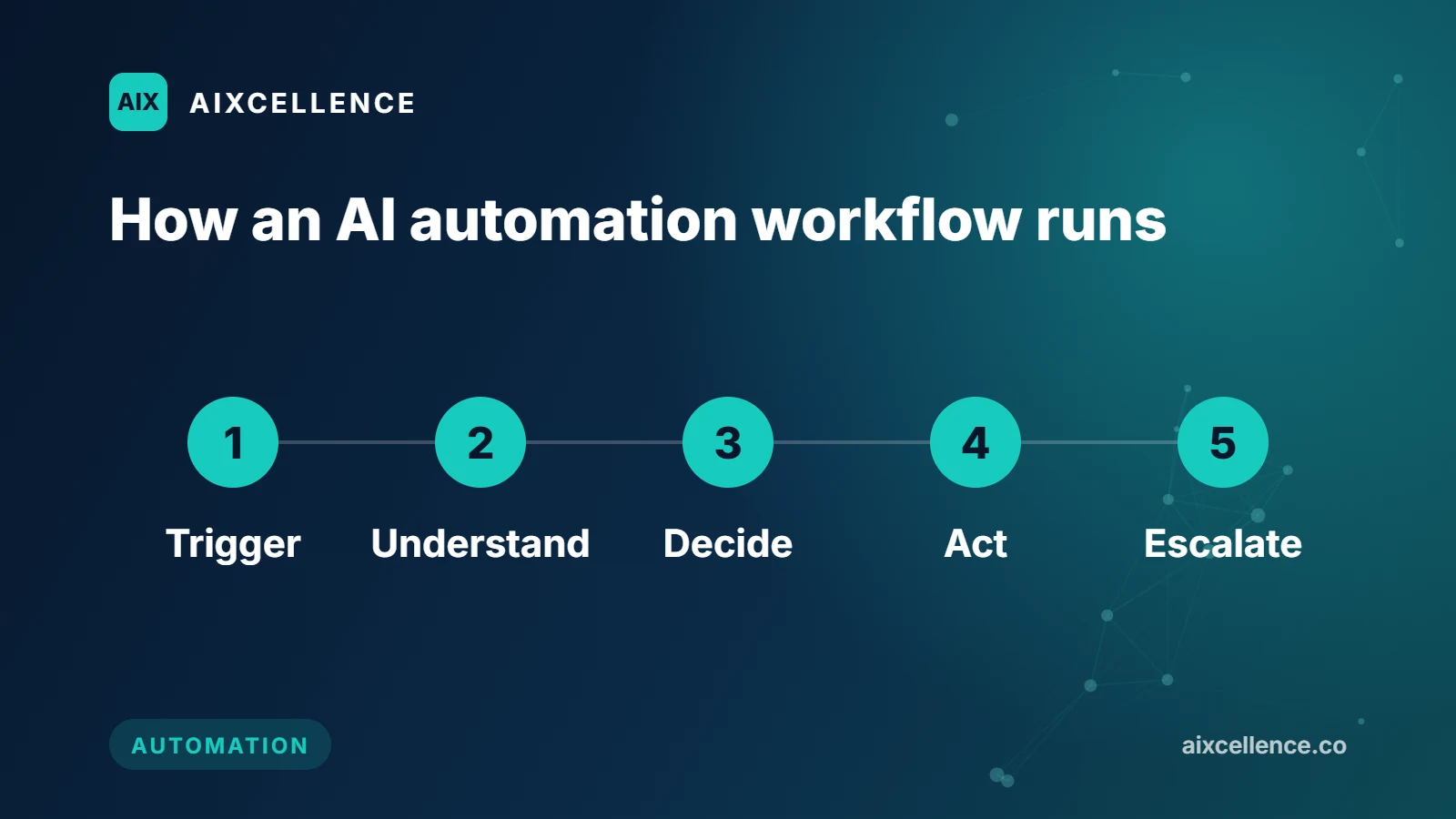
A practical AI automation workflow typically includes five stages:
- Trigger: An event occurs, such as a new form submission, email, invoice, or inbound call.
- Understand: AI classifies the request, extracts important information, or determines its urgency.
- Decide: The system applies business rules and chooses the appropriate next step.
- Act: It updates a CRM, sends a message, creates a task, books a meeting, or routes the case.
- Escalate: If confidence is low, the request is unusual, or approval is required, it sends the task to a person.
What Business Processes Can AI Automate?
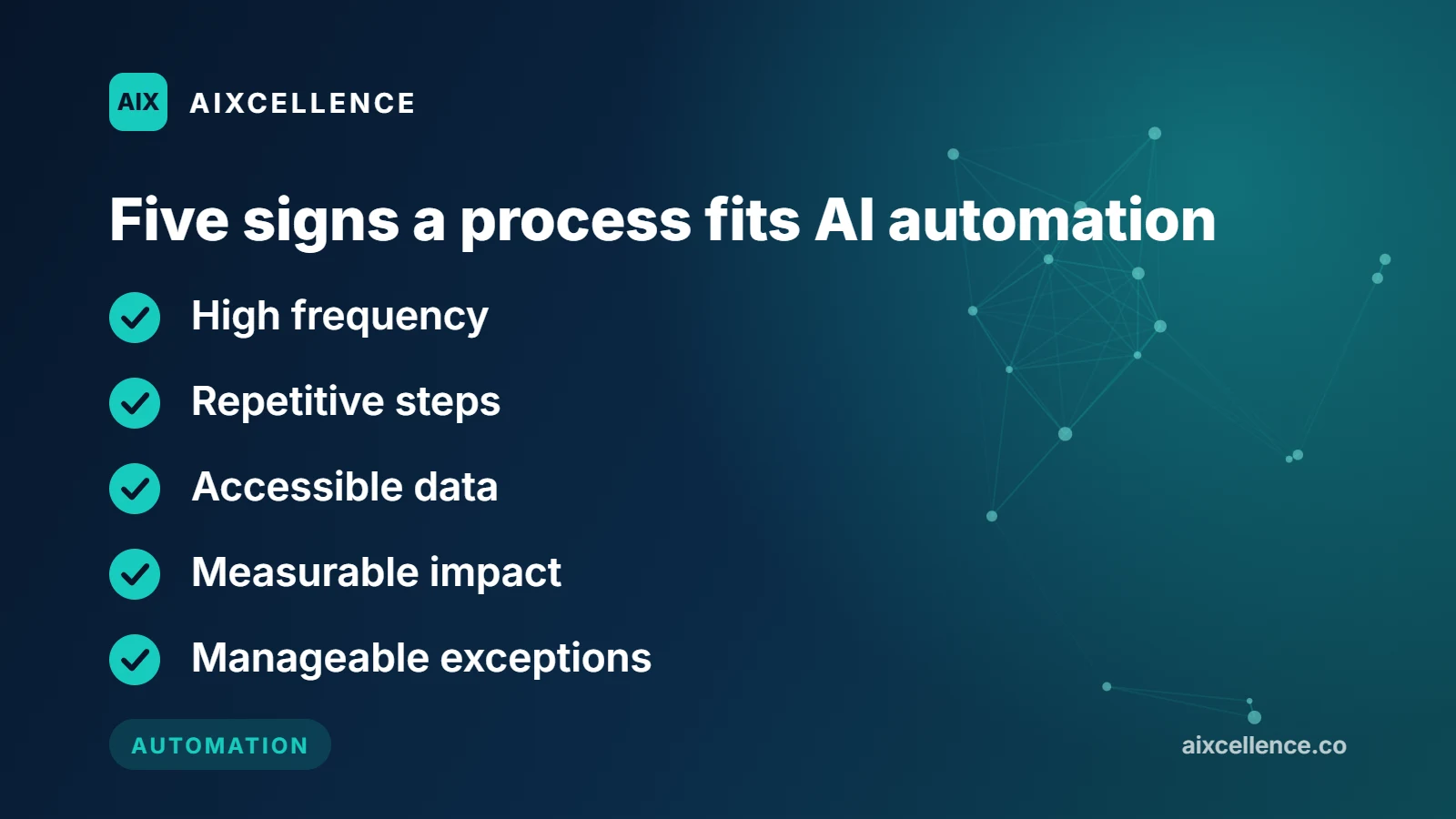
AI can automate processes that share five characteristics: high frequency, repetitive steps, accessible data, measurable impact, and manageable exceptions. The table below shows the eight strongest candidates, what goes in, what comes out, and where a person should stay involved.
| Process | Why It Fits AI | Typical Inputs | Typical Outputs | Human Involvement |
|---|---|---|---|---|
| Customer support triage | High volume, repetitive questions | Emails, chats, tickets | Classified tickets, draft replies, routed cases | Complex, sensitive, or escalated cases |
| Lead capture and qualification | Lost revenue from slow follow-up | Web forms, calls, emails | Qualified leads, booked meetings, CRM records | High-value prospects, custom pricing |
| Invoice and document processing | Manual data entry, error-prone | PDFs, scans, email attachments | Extracted fields, validated records, accounting entries | Exceptions, missing info, high-value invoices |
| Appointment scheduling | Time-consuming coordination | Calls, messages, web requests | Booked slots, reminders, calendar updates | Complex rescheduling, VIP clients |
| CRM updates and enrichment | Inconsistent data hygiene | Call notes, emails, meetings | Updated records, summaries, tasks | Strategic accounts, nuanced notes |
| Accounts receivable follow-up | Cash-flow pressure from late payments | Invoices, payment histories | Reminder sequences, escalated accounts | Disputed invoices, payment plans |
| Reporting and monitoring | Hours spent compiling data | CRM, ads, finance, support data | Summaries, alerts, dashboards | Strategic decisions, exception review |
| Employee onboarding | Multi-step, cross-team workflow | Offer acceptances, HR forms | Accounts, equipment requests, training assignments | Policy exceptions, role-specific setup |
What Are Real-World Examples of AI Automation?
Each example below follows the same pattern: what AI does, where it fits best, and when a person should still step in. Figures marked “illustrative” are hypothetical examples to show scale, not results from a specific client.
Customer Support Triage
AI can read incoming support emails, chat messages, and tickets; identify the topic and urgency; suggest a response; and route complex cases to the correct team. Common automated requests include password resets, order status, billing questions, and policy FAQs. Gartner predicts that by 2029 agentic AI will autonomously resolve 80% of common customer service issues without human intervention, and it advises service leaders to set policies for AI-led interactions that cover data privacy, security, and escalation (Gartner, 2025).
Workflow pattern: Customer message → AI detects intent → retrieves approved knowledge → replies or drafts a reply → updates ticket → escalates exceptions to an agent.
Best for: E-commerce, SaaS, professional services, and any business receiving repetitive support questions across email, live chat, social DMs, or helpdesk software.
Human involvement is still needed when: a customer is frustrated, a refund is sensitive, an exception is required, or the answer could create legal, financial, or reputational risk.
Relevant service: AI Chat & Support
Lead Capture and Qualification
AI can capture website enquiries, inbound calls, emails, and social messages; collect qualifying information; score the opportunity; create a CRM record; and trigger the right follow-up sequence. Speed matters here: research published in Harvard Business Review found that most companies are not responding nearly fast enough to online enquiries (Oldroyd, McElheran and Elkington, 2011).
For a service business, this might mean asking the caller what service they need, their location, urgency, budget range, and preferred appointment time. The system then books a consultation or assigns the lead to the right salesperson.
Workflow pattern: Lead arrives → AI asks qualifying questions → scores lead → books meeting or assigns to sales → logs activity in CRM → triggers follow-up tasks.
Best for: Service businesses, agencies, clinics, home-service providers, and B2B companies that lose leads because follow-up is slow or inconsistent.
Human involvement is still needed when: a prospect has a complex requirement, requests custom pricing, or is ready for a high-value sales conversation.
Relevant services: AI Agents, AI Voice, AI Integrations
Invoice, Receipt, and Document Processing
AI can extract information from invoices, receipts, purchase orders, applications, claims, and forms. It identifies fields, validates totals, checks for duplicates and missing information, and sends approved records to accounting or ERP systems. This is especially useful when documents arrive by email or scan and someone retypes the same data into another system. Microsoft’s documentation for its Document Intelligence invoice model, for example, describes extracting key fields such as customer name, billing address, due date, and amount due, plus line items, from invoices that arrive as scans, phone photos, or digital PDFs (Microsoft Learn).
| Workflow Step | Manual Process | AI-Assisted Process |
|---|---|---|
| Receive invoice | Download attachment | Detect and collect attachment |
| Enter details | Type supplier, date, and amount | Extract key fields automatically |
| Validate | Check totals and PO manually | Apply validation and duplicate checks |
| Record | Enter into accounting system | Create draft record or sync approved data |
| Exceptions | Find errors later | Send low-confidence cases for review |
Illustrative example: A services firm in which a finance assistant spends about 12 hours a week typing invoice data into accounting software could, after AI extraction and validation, reduce that to about 45 minutes of exception review, with the error rate falling from roughly 3% to under 0.5%. These figures are hypothetical and show the kind of change a well-scoped workflow can aim for, not a guaranteed result.
Best for: Accounting firms, professional services, insurance teams, healthcare administration, and any business processing many documents.
Human involvement is still needed when: invoices are disputed, amounts are unusual, vendor details are missing, or payment terms need negotiation.
Relevant services: AI Automation, AI Integrations
Appointment Scheduling and Reminders
AI can schedule, reschedule, confirm, and remind customers about appointments through web chat, SMS, email, or phone calls, using availability rules, provider calendars, and appointment types before confirming a slot.
Illustrative example: A dental practice uses an AI voice agent to answer after-hours calls. The agent identifies whether the caller is new or existing, determines the type of visit, checks provider availability, books a slot, and sends an SMS confirmation. In a scenario like this, a practice that previously booked nothing after hours could capture 100 or more extra bookings per month. The figure is hypothetical; actual results depend on call volume and opening hours.
Best for: Clinics, law firms, home-service providers, salons, consultants, and any business where no-shows or scheduling admin create operational problems.
Human involvement is still needed when: a booking involves complex rescheduling, special requirements, or high-value clients.
Relevant services: AI Voice, AI Agents
CRM Updates and Data Enrichment
Sales and operations teams lose time moving information between emails, meeting notes, spreadsheets, and CRMs. AI can summarize calls, extract action items, add contacts, update deal stages, and create follow-up tasks.
Example: After a sales call, the system writes a concise summary, identifies objections and next steps, updates the opportunity record in the CRM, and assigns a follow-up task to the account owner. CRM data stays current without manual entry, and managers get a clearer view of the pipeline.
Best for: Sales teams with inconsistent CRM hygiene, or managers who lack clear pipeline visibility.
Relevant services: AI Automation, AI Integrations
Accounts Receivable and Payment Follow-Up
AI can automate invoice reminders, payment-link emails, overdue-account sequences, and escalation to a finance team. It can vary messages by invoice age, payment history, customer type, and previous communication.
This does not mean AI should negotiate unusual payment terms without approval. Routine reminders happen consistently, while disputed invoices and payment plans go to a person.
Best for: Service businesses and agencies where late payments create cash-flow pressure.
Relevant services: AI Automation, AI Integrations
Reporting and Operational Monitoring
AI can pull data from your CRM, ad platforms, accounting tools, helpdesk, and spreadsheets, then create summaries, flag anomalies, and surface decisions that need attention. Instead of compiling weekly reports by hand, a manager receives a plain-language summary of pipeline movement, ticket backlog, campaign performance, or overdue invoices.
Best for: Teams that spend hours every week building reports but still lack a reliable, current view of operations.
Relevant services: AI Operations, AI Optimization
Employee Onboarding and Internal Requests
AI can coordinate multi-step onboarding across HR, IT, payroll, and compliance. After an employee accepts an offer, the workflow can create accounts, request equipment, send policies, assign training, and notify managers of incomplete tasks.
Workflow pattern: Trigger (new hire) → AI collects required information → creates accounts and tasks → notifies stakeholders → tracks completion → escalates blockers.
Best for: Businesses with recurring hires, contractors, or distributed teams.
Human involvement is still needed when: role-specific exceptions arise, equipment needs special approval, or onboarding involves sensitive compliance steps.
Relevant services: AI Automation, Custom AI Software
How Does AI Automation Differ from Traditional Automation?
Traditional automation follows predefined “if this, then that” rules and works best for structured, predictable tasks. AI automation adds the ability to understand unstructured text, documents, speech, and variable customer requests before triggering an action.
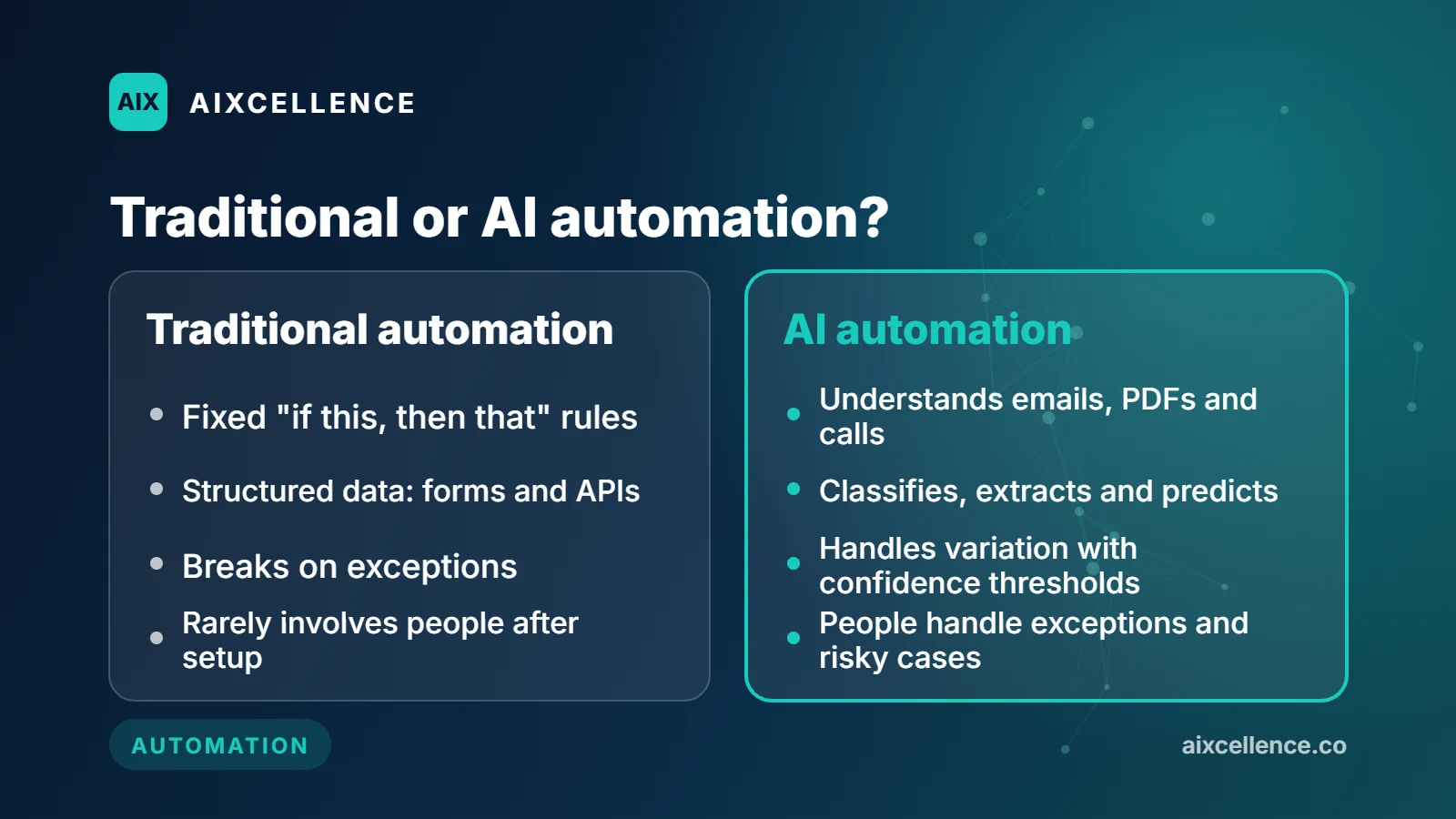
| Aspect | Traditional Automation | AI Automation |
|---|---|---|
| Input type | Structured data (forms, APIs) | Unstructured + structured (emails, PDFs, calls, chats) |
| Decision logic | Fixed rules | Classification, extraction, prediction, judgment support |
| Flexibility | Low; breaks on exceptions | Higher; can handle variation with confidence thresholds |
| Best use case | Stable, high-volume, rule-based workflows | Workflows involving language, documents, or judgment |
| Human role | Rarely involved after setup | Exception handling, approval, high-risk decisions |
Related reading: AI Agent vs. Chatbot vs. Automation: Which Do You Need?
When Should a Business Avoid AI Automation?
AI automation is not appropriate when the process is unclear, data is poor, the task is infrequent, every case requires expert judgment, or a simpler solution would suffice. Do not begin with AI when the workflow is undocumented, constantly changing, or lacks a clear owner.
Avoid AI automation when:
- The process is not standardized or understood.
- Critical data is missing, unreliable, or inaccessible.
- The task happens too rarely to justify implementation and maintenance.
- Every decision requires deep expert judgment, accountability, or bespoke negotiation.
- A simple checklist, rule-based workflow, or better training would solve the issue faster.
- The business cannot define who will review exceptions, monitor outputs, and own the workflow.
In many cases, simple rule-based automation is more reliable and cheaper. Use AI where language, documents, voice conversations, ambiguity, classification, prediction, or decision support are genuinely required.
How Should a Business Choose Its First AI Automation Project?
Choose the process with the strongest combination of frequency, repetition, accessible data, cost of delay, and manageable exceptions. Score each candidate workflow from 1–5 against these criteria, then start with the highest-scoring option that has a clear owner and a measurable baseline, such as hours spent, response time, error rate, missed leads, or overdue payments.
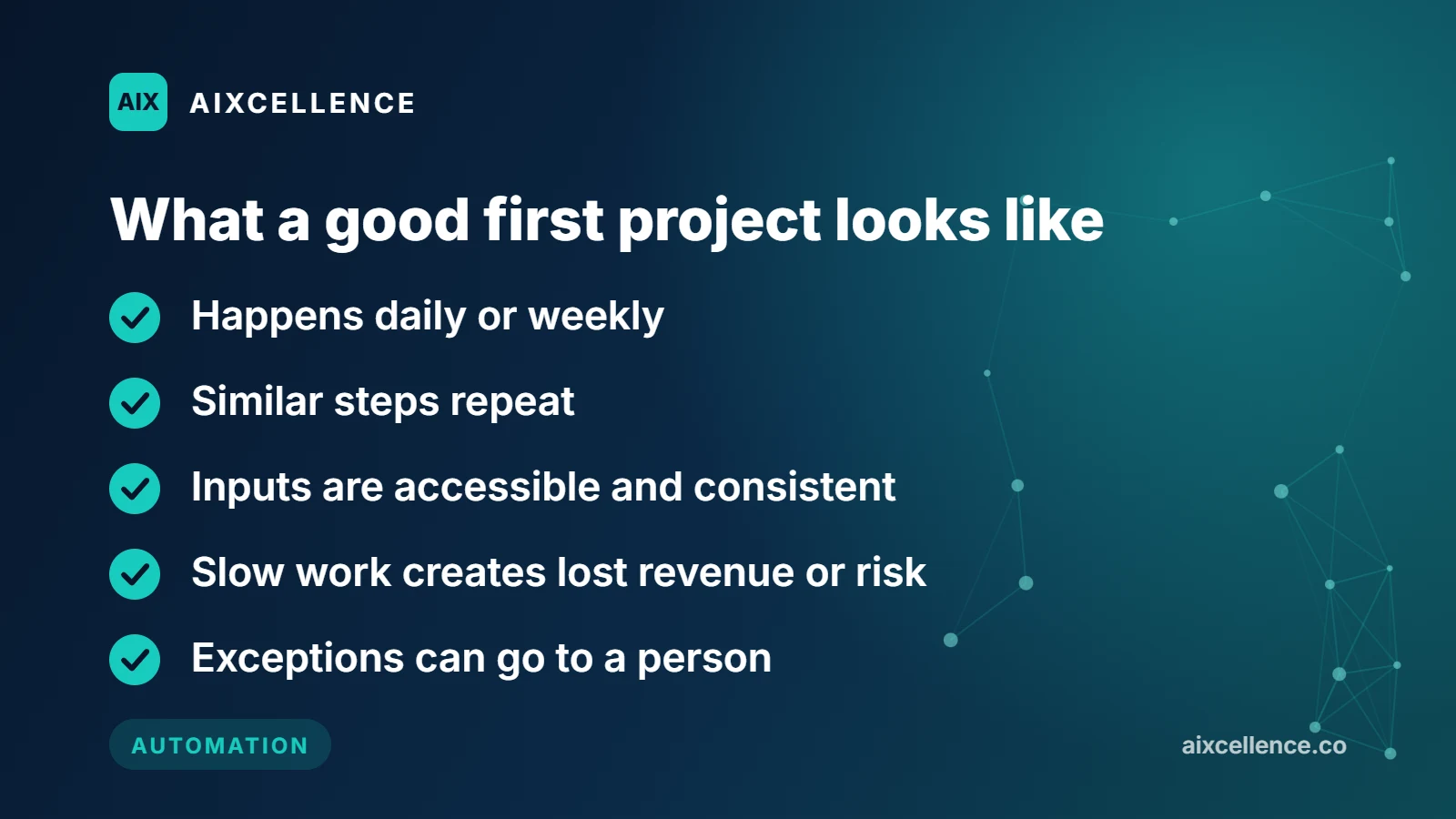
| Evaluation Area | Good Candidate (Score 4–5) | Weak Candidate (Score 1–2) |
|---|---|---|
| Frequency | Happens daily or weekly | Happens a few times per year |
| Repetition | Similar steps repeat | Every case is entirely unique |
| Data | Inputs are accessible and consistent | Critical data is unavailable or unreliable |
| Cost of delay | Slow work creates lost revenue or risk | Delays have little consequence |
| Exceptions | Exceptions can go to a person | Every case requires expert judgment |
What Are the Key Implementation Considerations for AI Automation?
Before building, define the exact workflow, success metrics, data and access requirements, human escalation paths, security and governance controls, and a testing plan. A focused workflow can often be piloted in weeks; multi-system or regulated workflows usually take longer.
Define before starting:
- The exact workflow: Start and end points, owners, and systems involved.
- Success metrics: Time saved, faster response, fewer errors, increased conversion, or improved collection rate.
- Data and access: Which inboxes, CRMs, calendars, databases, or documents the workflow needs.
- Human escalation: What should happen when the AI is uncertain or a case is high-risk.
- Security and governance: Who can view data, approve actions, and audit results.
- Testing plan: Run a pilot on one workflow before expanding it across the business.
For the governance side, the U.S. National Institute of Standards and Technology publishes a voluntary AI Risk Management Framework, organized around four functions: govern, map, measure, and manage (NIST).
How Does AI Optimization Improve Automated Workflows?
AI optimization is the ongoing work of measuring, tuning, and improving an automated workflow so it becomes more accurate, produces fewer exceptions, and stays aligned with business goals. It usually means monitoring results, refining prompts and rules, and adjusting when the system should hand work to a person.
Typical optimization activities:
- Reviewing exception logs to find patterns the AI misses.
- Updating knowledge sources, templates, and validation rules.
- Adjusting confidence thresholds for automation versus human review.
- Measuring time saved, error reduction, and conversion impact.
- Expanding successful pilots to additional workflows or departments.
Relevant services: AI Optimization, AI Operations
Practical Next Step
The right first project is usually a repetitive workflow where your team loses time, leads, or accuracy every week. AIXcellence can map that workflow, identify whether AI or simpler automation is appropriate, connect it with your existing systems, and build human escalation into the process.
The strongest AI systems connect an input to a business action, your existing systems, and human escalation, not just a text response.
Written by The AIXcellence team. Reviewed by The AIXcellence team, October 2026.

Questions about your own business?
Ask Sam how this applies to you, or book a free 20-minute audit and talk it through with the team.
Frequently asked questions
Can AI automate any business process?
No. AI works best for frequent processes with recognizable patterns, accessible data, and clear outcomes. Complex, infrequent, high-risk, or entirely judgment-based work usually needs a person in control.
What is the easiest business process to automate with AI?
For many businesses, the easiest starting points are inbound lead handling, document extraction, common support requests, appointment reminders, CRM updates, and reporting summaries.
Does AI automation replace employees?
Usually, the immediate benefit is reducing repetitive administrative work, speeding up response times, and freeing people to focus on exceptions, customers, and decisions that require judgment. The outcome depends on the workflow and how the business chooses to operate.
What is the difference between AI automation and traditional automation?
Traditional automation follows predefined "if this, then that" rules. AI automation can also understand unstructured text, documents, speech, and variable customer requests before triggering an action.
How long does it take to implement AI automation?
A focused workflow can often be piloted in weeks. Multi-system or regulated workflows usually take longer because integrations, data quality, testing, security review, and exception handling need more work.
What is AI optimization?
AI optimization is the ongoing process of measuring and improving an automated workflow, for example by reviewing exceptions, updating rules and knowledge sources, and adjusting when work is escalated to a person.
Sources
- The economic potential of generative AI: The next productivity frontier McKinsey & Company
- Gartner Predicts Agentic AI Will Autonomously Resolve 80% of Common Customer Service Issues Without Human Intervention by 2029 Gartner
- The Short Life of Online Sales Leads Harvard Business Review
- Invoice data extraction – Document Intelligence Microsoft Learn
- AI Risk Management Framework NIST (National Institute of Standards and Technology)