
Automation 8 min read
AI Appointment Booking: How to Fix Scheduling Chaos and Cut No-Shows
An AI booking agent handles scheduling, reminders and rescheduling so your calendar fills itself and fewer people fail to show up. Here is how to set one up.
Text size
Font
On this page
An AI booking agent lets customers book, move and cancel appointments by themselves, by phone, text, chat or your website. It checks your real calendar so it never double-books, and it sends reminders so fewer people forget. The reminders alone are worth having: in a Cochrane review of eight trials, attendance was 78.6% with text message reminders and 67.8% without.
Both of the studies we cite below come from healthcare, so treat them as a guide to what’s possible, not a promise for your business. This guide covers what scheduling chaos costs, how a booking agent works, four steps to set one up and how to get people to turn up. It’s one of the seven problems in our overview of AI automation for small business.
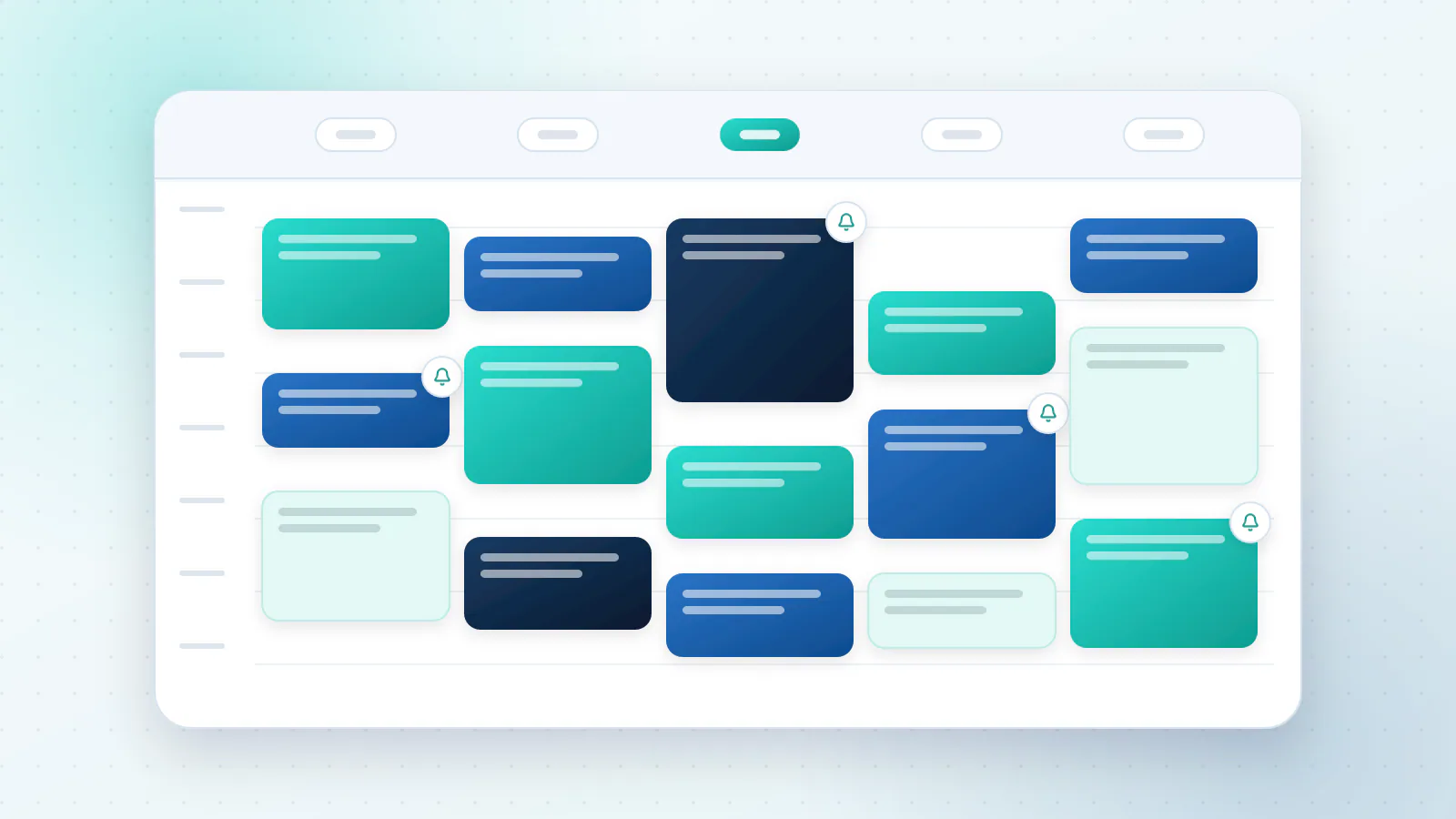
What does scheduling chaos cost you?
Three things, and only one of them shows up on a bill.
- Time. Finding a slot takes four messages. Moving it takes four more. Somebody on your team does this every day.
- Double bookings and gaps. Two people in one slot, or an empty hour nobody could fill.
- No-shows. An empty chair is a cost you can’t get back, because the time has gone.
For no-shows, a review of 105 studies found an average rate of about 23% in healthcare, from 13% in Oceania to 43% in Africa (Health Policy, 2018). Your own rate will be different, so measure it. Divide the number of no-shows by the number of appointments booked, and multiply by what an appointment is worth.
With round numbers (not a client result). You book 100 appointments a month, each worth $120. If 15% don’t turn up and you can’t refill the slots, that’s 15 empty slots and $1,800 a month. If better reminders and easier rescheduling bring it down to 10%, five more people arrive: $600 a month back.
The same review found that two of the most commonly reported factors linked to no-shows were a long wait between booking and the appointment, and a history of missing earlier ones. Both are things a good booking process can act on.
How does an AI booking agent work?
It does the job of a good receptionist who never loses the diary:
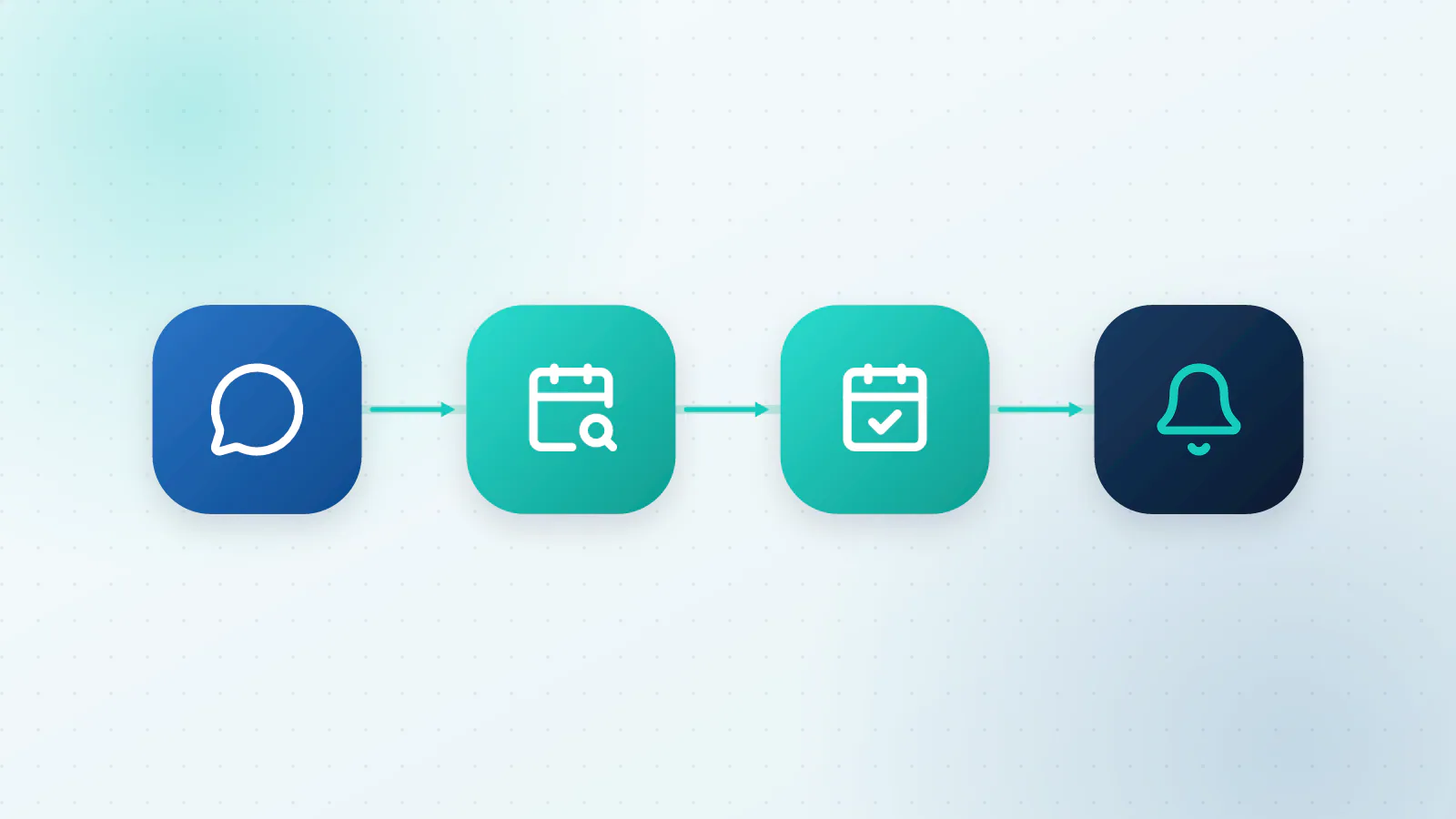
- It meets people where they are. By phone, text, web chat or a booking page.
- It reads your availability. It looks at your calendar, your working hours and your rules.
- It offers real options. It suggests slots that fit the service, the person and the notice you need.
- It books and confirms. The appointment goes in the calendar and the customer gets a confirmation.
- It reminds. Short messages at sensible times, with a one-tap way to confirm, move or cancel.
- It tidies up. If someone cancels, the slot can be offered to people on a waiting list.
A simple booking page does some of this already, and it’s a good tool when customers are happy to click a link. An AI agent earns its place when customers would rather talk or text, and the conversation isn’t tidy:
| Booking page | AI booking agent | |
|---|---|---|
| Best when | Customers will click a link and choose a slot | Customers call, text or chat in their own words |
| Understands “Thursday after work, with Priya if she’s in” | No | Yes |
| Answers questions while booking | No | Yes |
| Handles changes and cancellations in conversation | Limited | Yes |
| Set-up effort | Low | Moderate: rules, wording and testing |
Many businesses use both: the page for people who like clicking, and the agent for everyone else.
How do you set one up in four steps?
Step 1: Sync your calendar
Connect the calendars your team uses, and decide which one is the source of truth. Block personal time so the agent can’t book over it. Double bookings almost always come from two calendars that don’t know about each other.
Step 2: Set your availability rules
The agent can only book as well as your rules allow. Write down, for each service you offer:
- how long it takes, and how much gap you need afterwards
- who can do it
- when it can be booked: hours, days, the earliest notice you need and how far ahead people can book
- where it happens, including travel time if you go to the customer
Start with your three most common services. You can add the rest later.
Step 3: Build the reminder sequence
Keep the messages short and put the useful details in them: the time and time zone, the address, how to move or cancel.
| When | Message |
|---|---|
| Straight away | Confirmation with the details and a calendar link |
| A day or two before | Reminder with one-tap confirm, move or cancel |
| A few hours before | Short note with the address and anything to bring |
| After a missed appointment | A kind message offering to rebook |
Try different timings and see what works for your customers. Stop sending the moment someone confirms.
Step 4: Plan for cancellations and no-shows
Make moving an appointment as easy as booking it, because people who can’t easily cancel tend not to show up. Keep a waiting list so a cancelled slot can be offered to someone straight away. If a no-show is expensive, a clear cancellation policy or a deposit for scarce, high-value slots can help. Say so upfront and apply it fairly.
What gets people to turn up?
- Confirm at once. Booking something and hearing nothing is a good way to forget it.
- Make changing the plan effortless. One tap to confirm, move or cancel.
- Keep the wait short. The research above points to long gaps between booking and the appointment as a risk, so offer the earliest slots first.
- Add a human touch where it counts. A quick call from a person for a first visit or a high-value booking.
- Watch repeat no-shows. A history of missed appointments is a common predictor. Ask those customers to confirm, or take a deposit.
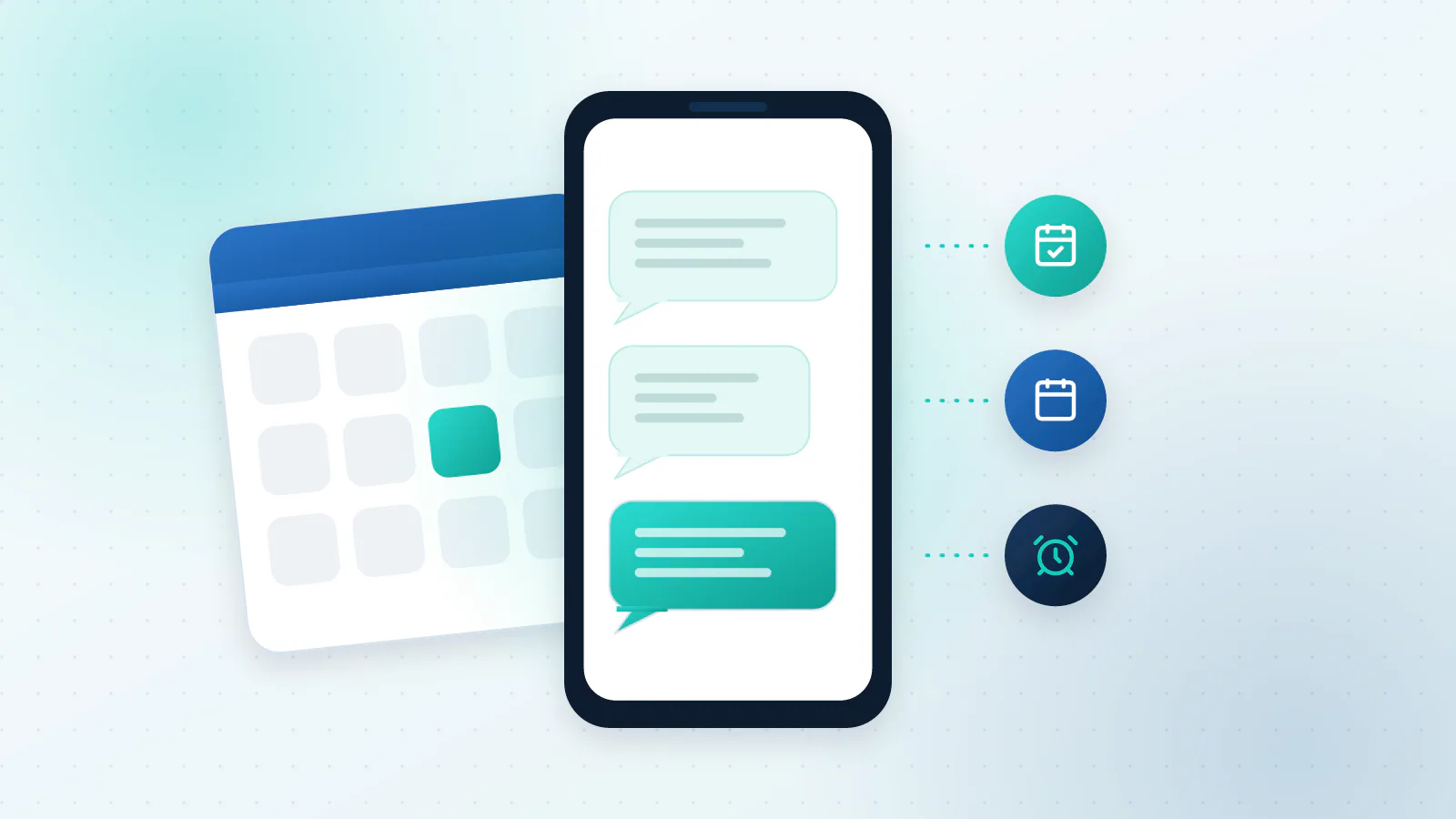
How does it handle meetings with several people, and time zones?
For a meeting with several attendees, the agent reads each person’s free and busy times and looks for the overlap. The more people who must attend, the fewer options there are, so give it rules: core hours, a limit on how many options to offer, and a fallback such as “ask everyone to pick from two”.
Calendar systems can answer the overlap question directly. Google Calendar’s API, for example, has a free/busy query that returns free and busy information for a set of calendars between two times you give it (Google Calendar API).
For time zones, a good agent stores every time in one standard form and shows each person their own local time. One widely used standard form is the internet timestamp format in RFC 3339, a profile of ISO 8601, where a trailing “Z” means UTC, an offset of 00:00 (IETF). Make sure every confirmation says the zone out loud (“2:00 PM Mountain Time”), because that’s where most mix-ups start.
What can go wrong?
- Double bookings. Usually unsynced calendars. Keep one source of truth and check conflicts before confirming.
- Too many reminders. A cap and a stop rule fix it.
- Sensitive details in texts. If you handle health information, appointment reminders can come under privacy rules such as HIPAA in the US. Keep them minimal (“You have an appointment tomorrow at 2:00 PM”) and ask your provider or an adviser.
- Texting without permission. Make sure customers have agreed to receive texts and give them a way to opt out. In the US, the FCC says a caller needs consent before sending an autodialed or prerecorded text to a wireless number: written consent for commercial texts, and consent that may be oral for informational ones (FCC). Rules for automated messages vary, so check what applies to you.
- The wrong service gets booked. Have the agent repeat back the service and the duration before it confirms.
How do you know it’s working?
Compare a few numbers before you start and after a month: your no-show rate, the share of your slots that are filled, how long it takes to book, how many bookings arrive outside opening hours and how often people reschedule. Our guide to how to tell if your AI is working shows how to keep the tracking simple.
When is it not worth it?
If you handle a few bookings a week and enjoy the conversations, a shared calendar and a friendly reply may be all you need. And if every appointment needs a custom quote or a long screening first, let the agent collect the information and have a person set the time.
If the bookings come in by phone, you may want an AI receptionist that books while the caller is still on the line.
What to do next
Tell us how your appointments work today: what you offer, who does it and how people book. We’ll suggest the rules, the reminders and the channels to start with. Talk to us about your scheduling, or read more about our AI Agents service. To see where booking sits among the other work AI can take on, read which business processes AI can automate.

Questions about your own business?
Ask Sam how this applies to you, or book a free 20-minute audit and talk it through with the team.
Frequently asked questions
Can AI handle multi-person meetings?
Yes, within limits. It can read everyone's free and busy times and offer the slots that suit all of them. The more people who must attend, the fewer options exist, so set core hours and let it offer two or three choices instead of an open question.
What about time zones?
A good agent stores times in one standard format and shows each person their own local time. Make sure every confirmation states the time zone, for example 2:00 PM Mountain Time.
How early should reminders go out?
Many businesses send a confirmation straight away, a reminder a day or two before and a short note a few hours ahead. Test the timing with your own customers, and stop the reminders as soon as someone confirms.
Will it work with Google Calendar or Outlook?
Usually, yes. Most booking tools connect to Google Calendar and to Microsoft 365 or Outlook through standard integrations. Check that yours supports every calendar your team uses, including shared and resource calendars.
Do deposits reduce no-shows?
They can for scarce or high-value slots, because customers then have a reason to show up or to cancel early. State the policy clearly when someone books and apply it fairly.
Sources
- Mobile phone messaging reminders for attendance at healthcare appointments Cochrane (Gurol-Urganci et al., 2013)
- No-shows in appointment scheduling, a systematic literature review Health Policy (Dantas et al., 2018)
- Freebusy: query Google for Developers (Calendar API)
- RFC 3339: Date and Time on the Internet: Timestamps IETF
- Stop Unwanted Robocalls and Texts Federal Communications Commission