
AI operations 4 min read
How to Tell If Your AI Is Working
Seven simple measures show whether an AI agent, chatbot or voice agent is paying off: speed, resolution, hand-offs, errors, outcomes, cost and feedback.
Text size
Font

Your AI is working if it does the job faster or better than before, without creating new problems, and you can show it in numbers. Take a baseline before it goes live. Then track seven things: how fast it responds, how many requests it resolves on its own, how often it hands over, how often it is wrong, the business outcome, what it costs, and what people say about it.
Start with a baseline
Before launch, write down how the job performs today. How long does a first reply take? How many leads become appointments? How many hours does the task take each week? Without a “before”, there is nothing to compare against, and every number afterwards is just a number.
Anthropic’s documentation for people building with AI says the same thing: a successful application starts with clearly defined success criteria, followed by evaluations that measure performance against them. Good criteria are specific, measurable, achievable and relevant (Anthropic).
The seven measures
| Measure | What it tells you | How to get it |
|---|---|---|
| Response time | Whether people wait less | Timestamps in your tools, or the system’s report |
| Resolved without a person | How much work it takes off your team | Count of requests closed without a hand-off |
| Hand-offs, and how well they go | Whether people receive the full story | Review a few hand-offs: did the person have what they needed? |
| Errors | Whether it can be trusted | Read a sample and mark each answer right, partly right or wrong |
| The business outcome | Whether it pays off | Appointments booked, leads captured, hours saved, invoices paid |
| Cost per task | Whether the economics work | Total cost divided by tasks handled, compared with before |
| What people say | What the numbers miss | Customer comments, and what your team tells you |
Look at the conversations, not only the numbers
Dashboards cannot tell you that the answer was technically correct but rude, or that it quoted last year’s price. Once a week at first, read a handful of real conversations, including a few hand-offs. Keep a short list of what it got wrong, then fix the cause: the information it was given, the instructions, or the connection to a tool. This is the habit that makes an AI system better over time, and it is a big part of AI operations.
OpenAI’s guide to evaluations gives the same advice: combine metrics with human judgment, treat evaluation as a continuous process, and avoid test sets that do not reproduce your real traffic (OpenAI).
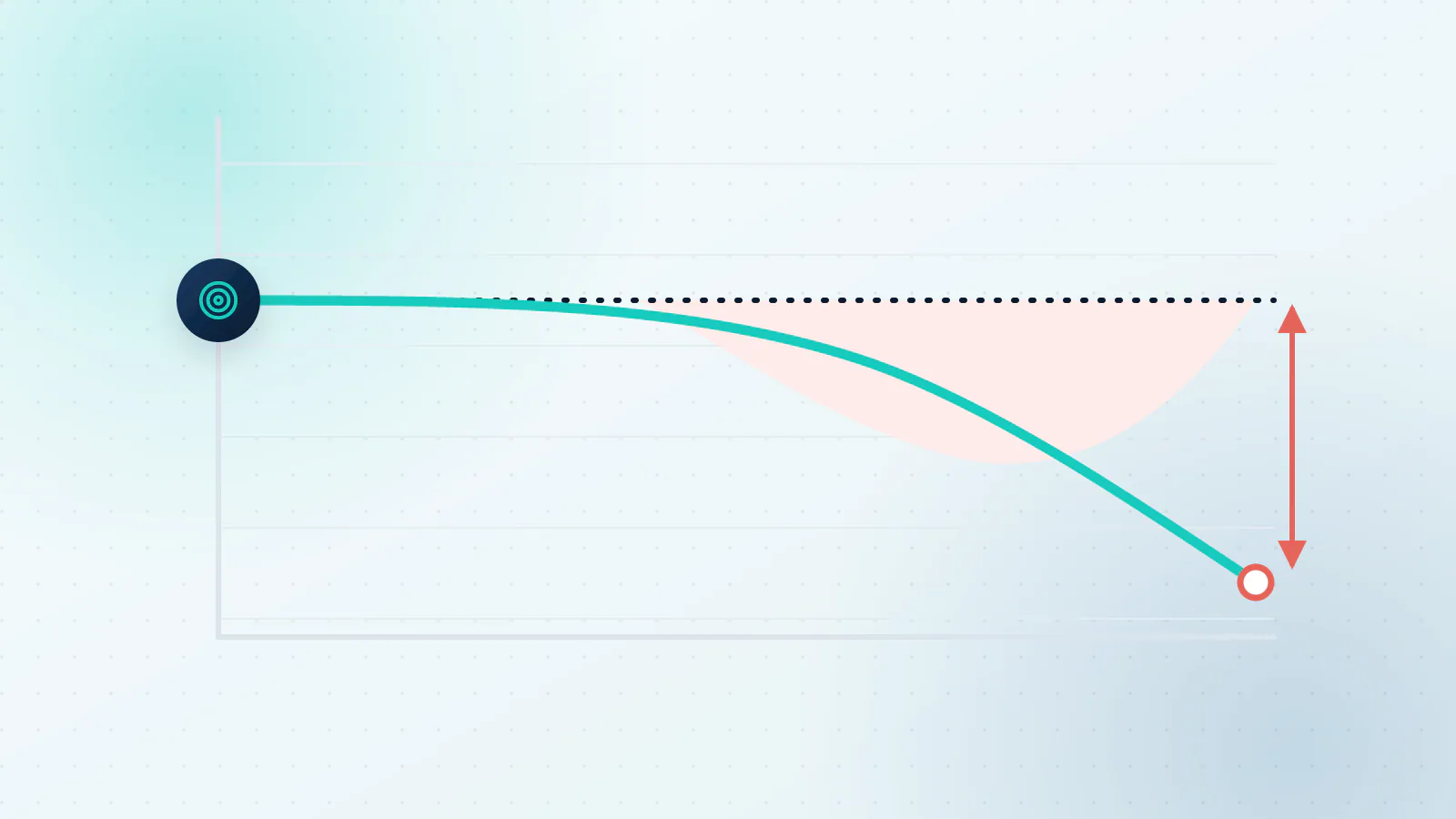
Warning signs that something has drifted
- Hand-offs are creeping up.
- Customers repeat themselves, or ask for a person straight away.
- It answers confidently about something that changed recently.
- A tool was updated and some details stopped arriving.
- The questions it is getting are no longer the ones it was built for.
Any one of these is a reason to look closer. Often the fix is small: update an answer, adjust a rule, repair a connection. Customers who ask for a person straight away deserve particular attention. The US Consumer Financial Protection Bureau’s report on chatbots in banking describes “doom loops”, where a chatbot keeps people in repetitive, unhelpful exchanges with no offramp to a human representative (CFPB). If the whole system feels slow or expensive, a review of what is running can find the cause, which is what AI optimization is for.
How often to check
Weekly for the first month or two. Monthly once the results are steady. Straight away after any change to your hours, prices, services or tools, because those are the things an AI cannot know unless someone tells it.
This is ongoing work, not a launch task. NIST’s AI Risk Management Framework describes its measure function as using quantitative, qualitative or mixed-method tools to analyze, assess, benchmark and monitor AI risk and related impacts (NIST).
What to do next
Want the numbers for a specific job? See what to track for invoice follow-ups, appointment booking and customer support. For the wider list of processes where these measures apply, see which business processes AI can automate.
If you have an AI system running and you are not sure how it is doing, tell us what you have. We will tell you where we would look first. Book a call, or read how we think about keeping AI working after launch.

Questions about your own business?
Ask Sam how this applies to you, or book a free 20-minute audit and talk it through with the team.
Frequently asked questions
What is a good resolution rate?
It depends on the job and on what you ask of it, so compare against your own baseline rather than someone else's number. Also look at how well the hand-offs go, because a high resolution rate is no good if people leave stuck.
How many conversations should I review?
Enough to see patterns. A small sample each week is usually plenty at first, and you can review less often once the results are steady.
Who should do the review?
Someone who knows the work well enough to tell a right answer from a plausible one, ideally with a regular slot in their week.
How often should I look at the numbers?
Weekly for the first month or two, then monthly, and straight away after any change to your hours, prices, services or tools.
Sources
- Define success criteria and build evaluations Anthropic
- Evaluation best practices OpenAI
- AI RMF Core NIST AI Resource Center
- Chatbots in consumer finance Consumer Financial Protection Bureau