
Voice and chat 8 min read
AI Receptionist for Small Business: Stop Missing Calls and Leads
An AI receptionist answers every call, finds out what the caller needs and books the appointment, even after hours. See how it works and how to set one up.
Text size
Font
An AI receptionist is a voice agent that answers your business line, finds out what the caller needs, answers the common questions and books the appointment in your calendar. It sends you a short summary afterwards and passes the call to a person when someone needs one. It picks up when you can’t: in the middle of a job, at lunch or after hours.
This guide covers what a missed call costs, how an AI receptionist works, a four-part setup, a sample call, how it compares with an answering service, and the practical and legal things to check first. It’s one of the seven problems in our overview of AI automation for small business.
What does a missed call cost?
More than the call itself. Someone who rings your business has already decided they want what you do. If nobody answers, they may well move on to the next name on the list, and many won’t leave a voicemail first.
Here is the arithmetic:
With round numbers (not a client result). Say you miss ten calls a week and three of those callers would have booked a job worth $200. That’s $600 a week. A month is about 4.33 weeks, so it comes to roughly $2,600 a month, or about $31,000 a year, in work that went somewhere else.
The calculator on our AI Voice page runs this sum with your own numbers.
Speed matters well beyond the phone. A Harvard Business Review study of 1.25 million web inquiries sent to 42 companies found that firms responding within an hour were nearly seven times as likely to have a meaningful conversation with a decision-maker as firms that responded an hour later, and more than 60 times as likely as firms that took a day or longer (HBR, 2011). It studied online leads, not calls, but the lesson carries over: the business that answers first usually gets the conversation.
How does an AI receptionist work?
Here’s what happens on a typical call:
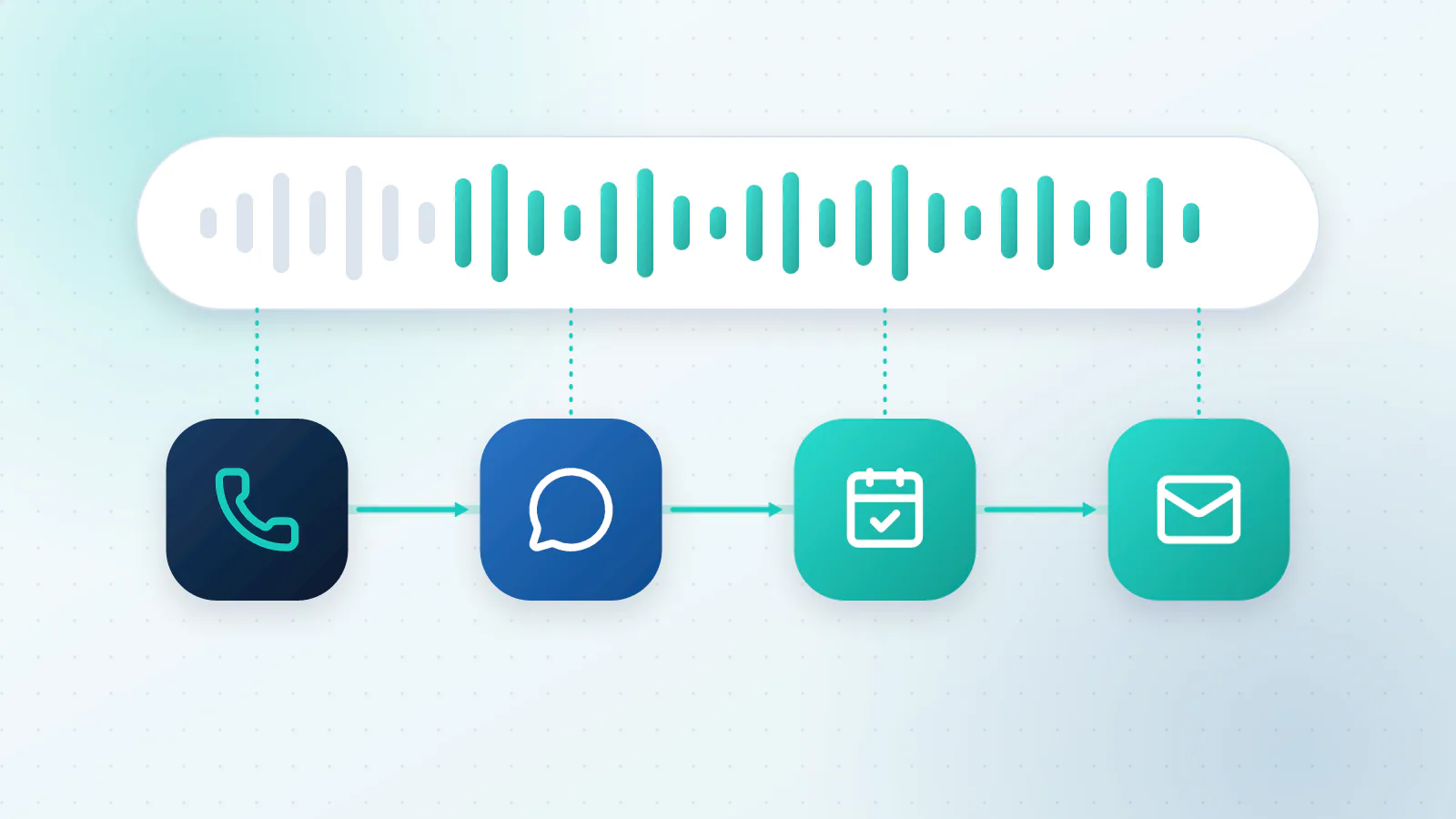
- It answers right away. The greeting names your business and says it’s an AI assistant.
- It listens. Speech is turned into text, and the assistant works out what the caller wants.
- It answers from your information. Opening hours, services, prices, service area and policies, the things you’ve told it.
- It asks your qualifying questions. Name, number, what’s needed, where, how urgent.
- It books. It checks your calendar, offers times that are free, books one and sends a confirmation text.
- It writes it down. A short summary goes to you, and the details go into your CRM.
- It hands over when it should. If the caller asks for a person, the call is urgent, or the assistant isn’t sure, it transfers the call or takes a message.
Many setups also reply to missed-call texts and website chats, so one assistant covers more than the phone.
How do you set one up? Four parts
1. Design the call flow
List the ten most common reasons people call: booking, quotes, hours, location, rescheduling, billing, emergencies. For each one, decide what the assistant may do alone, what it must hand to a person (complaints, legal or medical questions, money disputes) and what it must never say. Start with the three or four reasons that make up most of your calls.
2. Choose the qualifying questions
Three to five questions are plenty. Every extra one is another chance for someone to hang up. Here are some starting points:
| Business | Questions worth asking |
|---|---|
| Home services | What’s the problem? Where is the property? How urgent is it? What’s the best number to reach you? |
| Clinic or dental practice | Are you a new or existing patient? What is the visit for? Which day and time suit you? |
| Law or accounting firm | What’s the matter about? Is there a deadline? What’s the best way to reach you? |
| Salon or studio | Which service? With whom, if you have a preference? Which day and time suit you? |
3. Connect your calendar and CRM
The assistant can only book properly if it can see your real availability: working hours, how long each service takes, gaps between jobs, travel time and who can do what. Connect your CRM too, so every call becomes a record with a summary instead of a scribble on a pad.
4. Set up alerts and a safety net
Decide what happens with an urgent call (a text to you straight away), when it transfers to a person, and what it does if nobody picks up the transfer (take a message and promise a call-back time). Read the summaries every day for the first couple of weeks, and fix whatever it got wrong.
Then test it before any customer does. Call it yourself at least 20 times with realistic requests. Include a mumbled address, a noisy background, a caller who interrupts, one who says nothing and one who asks for something you don’t offer.
What should a call sound like?
Here’s a short, illustrative example. The business name is a placeholder.
A sample call (illustrative).
AI: Thanks for calling {business name}. This is our AI assistant, and I can book you in or take a message. How can I help?
Caller: My water heater’s leaking.
AI: I’m sorry to hear that. Is water spreading now, or is it a slow drip?
Caller: It’s pooling on the floor.
AI: Thanks, that sounds urgent. I’m sending a message to our on-call plumber right now. Can I check the address and the best number to reach you?
A few habits make calls like this work:
- Say it’s an AI up front. It builds trust and avoids awkward surprises.
- Ask one question at a time. People answer a single question better than a list.
- Repeat back what you heard. “That’s 14 Maple Street, correct?” catches mishearings early.
- Always offer the next step. A booked slot, a promised call-back or a transfer. Never end on “I don’t know”.
- Make a person easy to reach. Anyone who asks should get one.
AI receptionist vs answering service vs voicemail
| Voicemail | Answering service | AI receptionist | |
|---|---|---|---|
| Answers at once, any hour | No | Yes | Yes |
| Answers questions about your business | No | Only from a script | Yes, from your information |
| Books into your calendar | No | Sometimes | Yes |
| Handles several calls at once | Yes | Depends on staffing | Yes |
| Weak spots | Callers hang up | Per-minute cost; the person may not know your business | Needs setup and testing; can mishear; still software |
| Usual pricing | Free | Per minute or a monthly bundle | A monthly fee, per-minute usage or both |
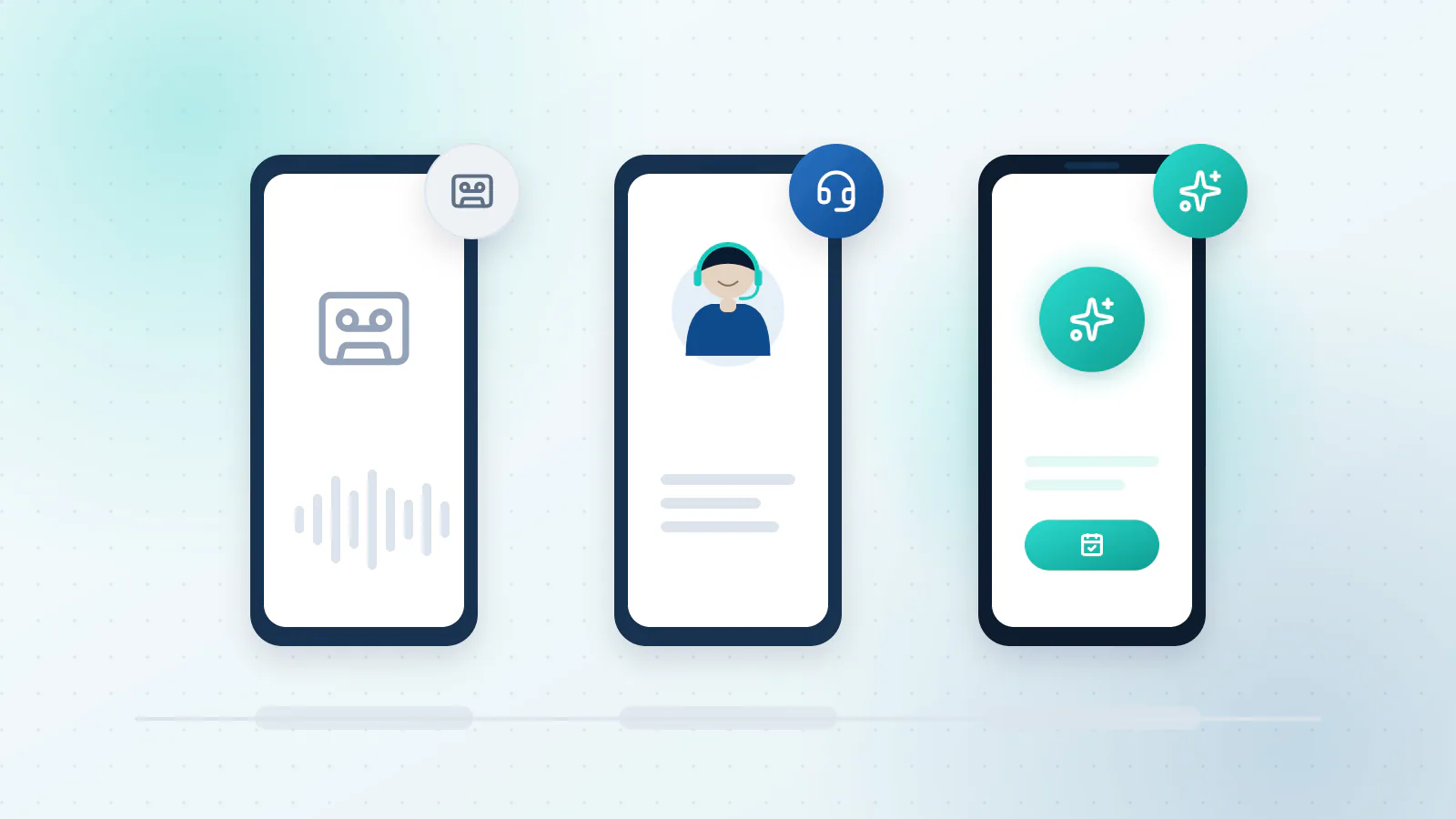
For the full comparison, including when voicemail is enough, read AI voice agent vs. answering service vs. voicemail. If you’re comparing providers, our list of nine questions to ask before you buy will save you time.
What can go wrong, and how do you handle it?
- Accents and background noise. Speech recognition has improved, but it isn’t perfect. Test with your real callers’ voices and noisy places, and make “let me get you a person” always available.
- Spam and robocalls. Let the assistant ask who’s calling and why, end obvious robocalls quickly and keep junk out of your calendar.
- Recording and consent. If calls are recorded, the rules depend on the state. Most states need only one party’s consent, but a handful need everyone on the call to agree (Justia’s 50-state survey). The simplest fix is to say so in the greeting. The FCC says it has no rules on recording phone conversations by individuals, but some state laws prohibit the practice (FCC). Ask a lawyer about your own state.
- Calling people back. Answering calls is different from placing them. The FCC has ruled that AI-generated voices count as artificial voices under the Telephone Consumer Protection Act, so outbound AI calls generally need the person’s prior express consent (FCC, 2024). If you want the assistant to return calls or follow up, get advice first.
- Wrong answers. Keep it to approved information. When it isn’t sure, it should take a message instead of guessing, and it should never quote a price or promise a time you haven’t approved.
When is an AI receptionist not worth it?
- You get only a handful of calls a month, so a decent voicemail greeting may be enough.
- Nearly every call is a long, sensitive conversation where a human voice from the first word is part of what you offer.
- Your information changes constantly and nobody will keep the assistant up to date.
What to do next
Tell us about your phone line and we’ll show you what an AI receptionist would do with your calls: what it would answer, what it would hand to you and roughly how many bookings it might recover. Talk to us about your phone line, or read more about AI Voice. To see calls alongside the other work AI can take on, read which business processes AI can automate.

Questions about your own business?
Ask Sam how this applies to you, or book a free 20-minute audit and talk it through with the team.
Frequently asked questions
Can an AI receptionist understand accents?
Often, but not always. Modern speech recognition copes with many accents and with background noise, yet it still mishears sometimes. Test it with the kind of callers you get, and make sure anyone can ask for a person at any time.
What about spam calls?
A good setup screens them. It asks who's calling and why, ends obvious robocalls quickly and doesn't spend a booking slot on them. You can also block numbers you already know are junk.
How much does an AI receptionist cost?
It depends on how many calls you get, what the assistant has to do on each one and which tools it connects to. Pricing is usually a monthly fee, per-minute usage or a mix of both. Our guide to what drives the cost of AI automation shows how to compare quotes.
Will callers know they are talking to an AI?
They should. We suggest saying so in the greeting, which keeps trust high and avoids surprises. Rules about disclosing AI are still developing, so check what applies to your state and industry.
What happens if the caller wants a person?
The assistant transfers the call to someone on your team, or takes a message and tells the caller when to expect a call back. Either way it passes along a summary so the caller doesn't have to repeat themselves.
Sources
- The Short Life of Online Sales Leads Harvard Business Review (Oldroyd, McElheran and Elkington, 2011)
- Recording Phone Calls and Conversations Under the Law, 50-State Survey Justia
- FCC Confirms that TCPA Applies to AI Technologies that Generate Human Voices (Declaratory Ruling FCC 24-17) Federal Communications Commission
- Recording Telephone Conversations Federal Communications Commission