
Voice and chat 4 min read
AI Chatbot for Your Website: What It Should and Shouldn't Do
A useful website chatbot answers from your own information, captures leads and hands off cleanly. Here is what to expect, what to avoid and how to start.
Text size
Font

A good website chatbot does three things. It answers questions using your own information, it collects the details you need to follow up, and it hands the conversation to a person when it should. It should not guess, make promises you have not approved, or trap visitors who want to talk to a human.
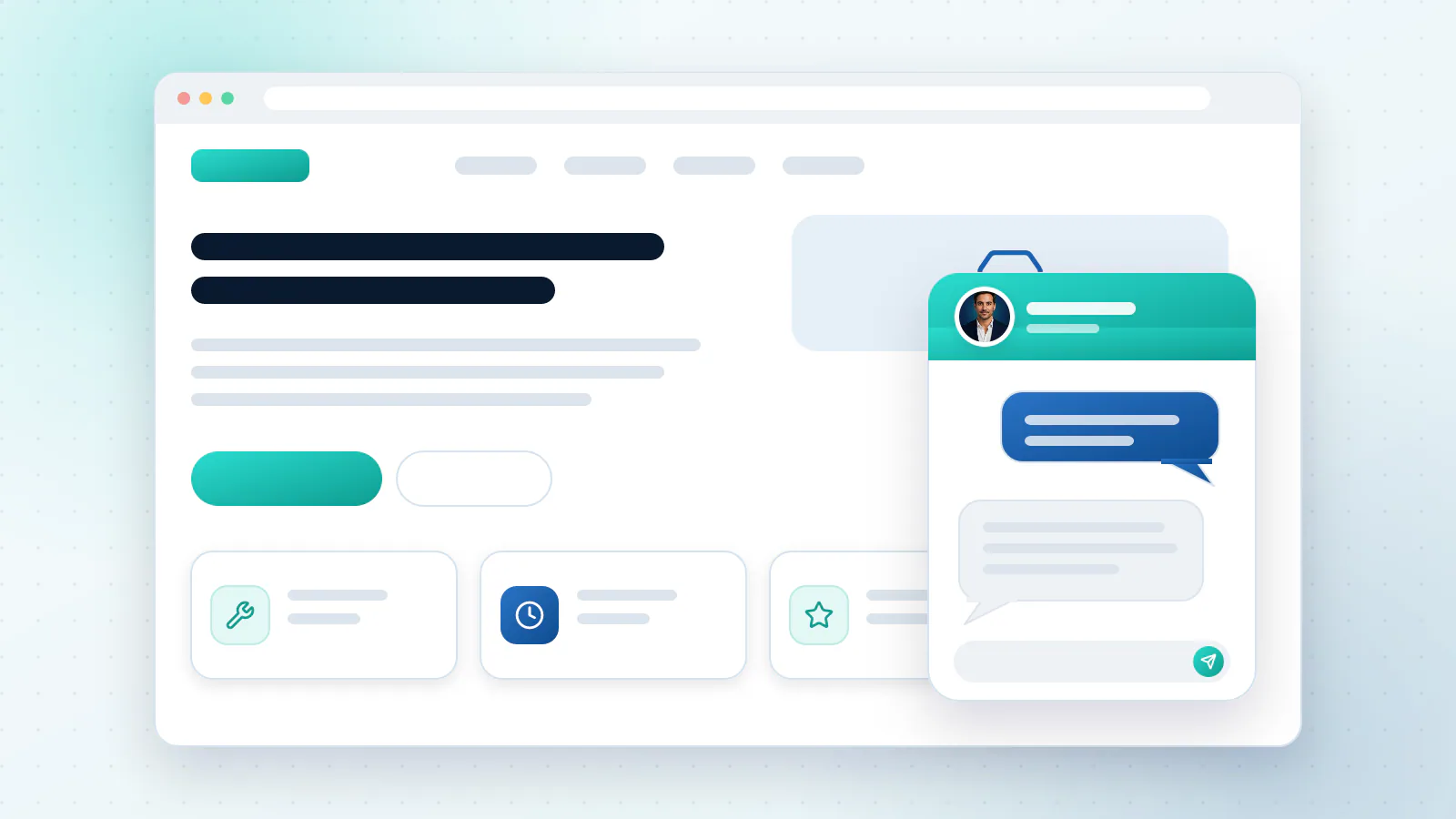
What should it do?
- Answer from your own material. Your service pages, FAQs, policies and price lists, not the whole internet.
- Ask a few questions. Enough to see who is a good fit and what they need.
- Collect contact details and offer to book a call or appointment.
- Hand over cleanly. When a request needs a person, it passes the conversation across so the visitor does not repeat themselves.
- Sound like you. The tone, the wording and the boundaries should be yours.
Answering from your own material has a name: retrieval-augmented generation, or RAG. Amazon Web Services describes it as having the AI model reference an authoritative knowledge base outside its training data before it responds, and says the answer can include citations so people can look up the source documents themselves (AWS).
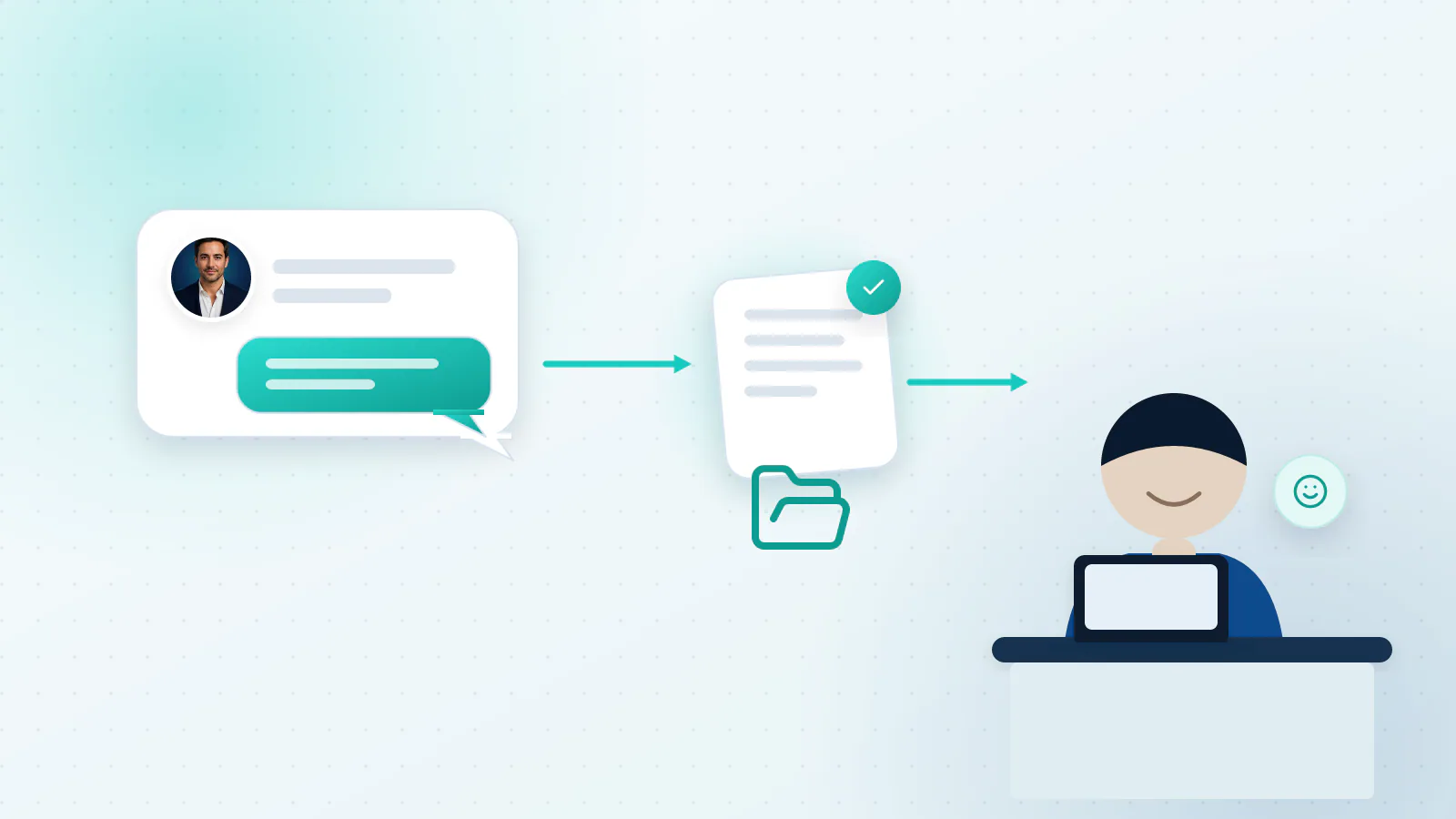
What should it not do?
- Guess. If it does not know, it should say so and offer a person.
- Promise what you have not approved: discounts, delivery dates, medical or legal advice.
- Hide the human option. Anyone who asks for a person should get one, or a clear way to reach one.
- Pretend to be a person. Say it is an AI assistant.
- Collect more than it needs. Ask only for what you will use.
Two of these have evidence behind them.
The human option. When the US Consumer Financial Protection Bureau studied chatbots in banking, it described “doom loops”, where a chatbot leads a customer around in circles without an offramp to a human representative. It said it is not suitable for chatbots to be the primary customer service channel when they fail to understand what people ask (CFPB). That report is about financial companies, but the lesson fits any website. In a Gartner survey of 5,728 customers, 64% said they would prefer companies didn’t use AI for customer service, and the top concern was that it would get harder to reach a person (Gartner, July 2024).
Saying it is an AI. California law makes it unlawful to use a bot online to mislead people about its artificial identity in order to encourage a purchase or sale, and a business is not liable under that rule if it discloses that it is a bot (California Business and Professions Code, section 17941). In the EU, Article 50 of the AI Act says AI systems that interact directly with people must be designed so that people are told they are dealing with an AI, unless that is obvious (European Commission). A line at the start of the chat, such as “You’re chatting with our AI assistant. A person can join at any time”, is good practice and is the kind of disclosure these rules have in mind.
What does it need from you?
It is only as good as what it is given. Before you start, gather:
- Your current service pages, FAQs and policies. Check they are up to date.
- Your price list, or the rules you quote by.
- A few examples of replies you were happy with, so it learns your tone.
- A list of what it must never answer, and who to pass those to.
Where should it live?
On your website is the usual start, because that is where visitors have questions. The same assistant can also answer in messaging apps or in your support inbox. Start in one place and add others once the answers are good.
How do you know it is helping?
Count the questions it answers on its own, the leads it captures, the appointments it books and how often it hands over. Then read a few real conversations each week. Our guide on how to tell if your AI is working shows what to track.
A good first month
- Week one. Load your best information and test it with the questions your team gets most often.
- Week two. Try it with a few friendly customers or colleagues, and fix what it gets wrong.
- Week three. Launch on your website with a clear way to reach a person.
- Week four. Read the conversations it could not answer, fill the gaps and decide what to add next.
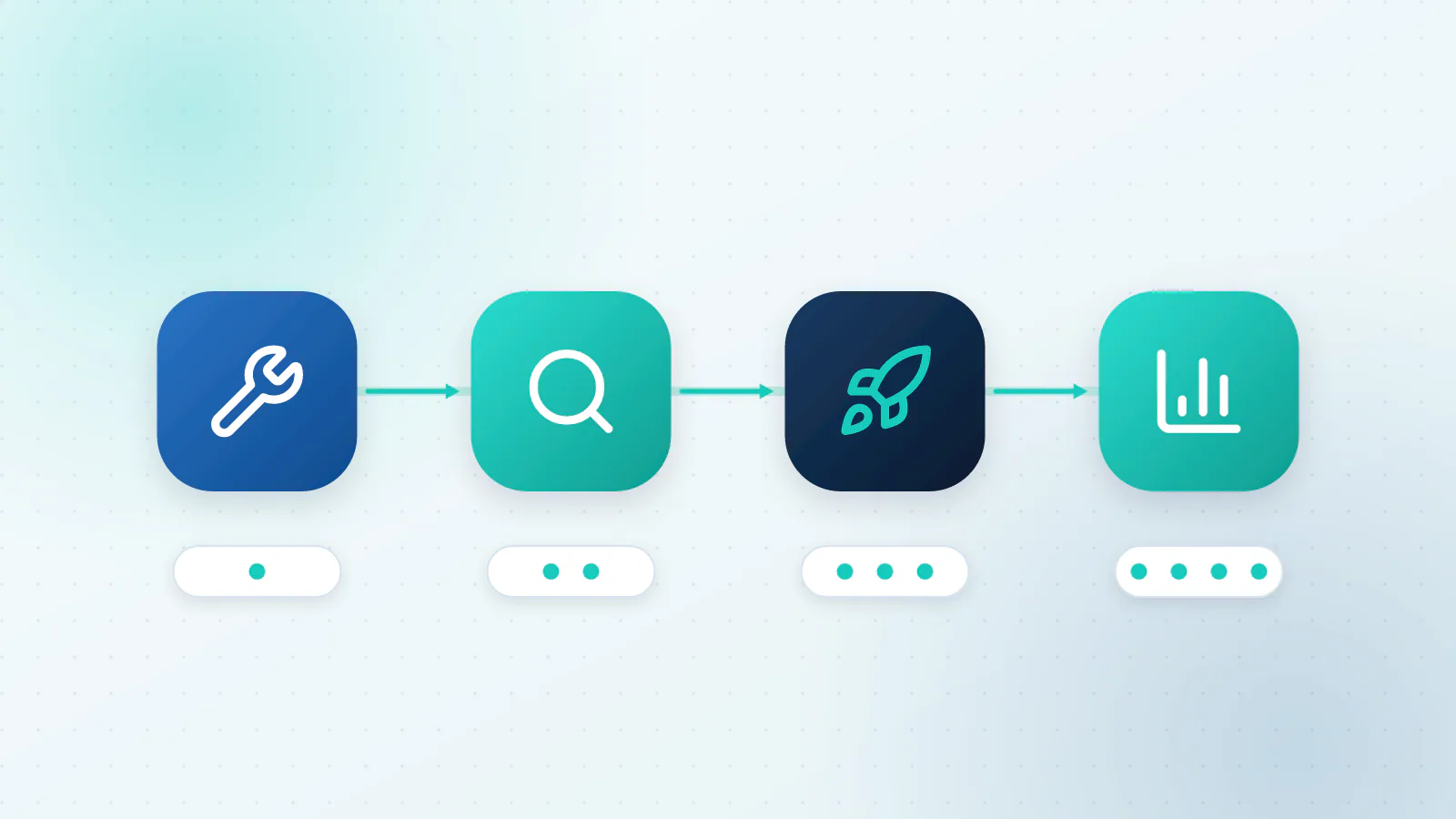
This is a rhythm, not a promise. Your timing depends on how much information you have and how many tools are involved.
What to do next
Once the chatbot is live, AI customer support automation shows how to add sorting, drafts and hand-offs behind it.
If you are weighing a chatbot against something that can take action as well as talk, our guide to agents, chatbots and automation helps you choose, and which business processes AI can automate shows where else it can help. To see what we would build for you, read about AI chat and support or book a call.

Questions about your own business?
Ask Sam how this applies to you, or book a free 20-minute audit and talk it through with the team.
Frequently asked questions
Will a chatbot slow down my website?
A well-built chat widget loads after your page and should not slow it noticeably. Ask your provider how it loads, and check your page speed before and after.
Can it answer in other languages?
Modern AI can handle many languages, but quality varies. If you rely on a language, test it with real questions from real customers before you launch.
What if it says something wrong?
Limit it to approved information, make it hand over when it is unsure, and review real conversations regularly. Mistakes should be rare, small and fixed quickly once you spot them.
Where should the chat live?
On your website first, if that is where visitors have questions. It can also answer in messaging apps or inside your support inbox, using the same information.
Sources
- What is RAG? Retrieval-Augmented Generation AI Explained Amazon Web Services
- Chatbots in consumer finance Consumer Financial Protection Bureau
- Gartner Survey Finds 64% of Customers Would Prefer That Companies Didn't Use AI For Customer Service Gartner
- California Business and Professions Code, section 17941 California Legislative Information
- Article 50: Transparency obligations for providers and deployers of certain AI systems European Commission, AI Act Service Desk