
Voice and chat 7 min read
AI Customer Support Automation: How to Reply Faster Without Hiring
Use AI to sort, draft and answer support requests faster while a person stays in charge. Here is how triage, drafts and hand-offs work, step by step.
Text size
Font

AI speeds up customer support in three safe steps. It sorts every incoming message by topic and urgency, drafts a reply from your own answers, and lets a person approve anything sensitive before it goes out. Customers get quick answers to the routine questions, and your team spends its time on the ones that need judgment.
This guide covers why slow replies hurt, what an AI support setup looks like, five steps to build one, what can go wrong (including a real tribunal ruling worth knowing about) and how to measure the results. It’s one of the seven problems in our overview of AI automation for small business.
Why does slow support hurt a small business?
Because people expect an answer while they still care about the question. In HubSpot Research’s 2018 consumer survey, 90% of people said an immediate response is important or very important when they have a customer service question (as reported by Small Business Trends). It’s an older, self-reported survey, but it matches common sense: the longer someone waits, the more likely they are to send a second message, call, or take their business elsewhere.
For a small team, the hard part is volume you can’t predict. A busy Monday, a product launch or a delivery delay brings a wave of near-identical questions, and the person who could answer them is also the one who has to fix the underlying problem. AI absorbs the routine part of that wave so people can handle the rest.
What does an AI support setup look like?
Think of four stages: sort, draft, resolve, learn.
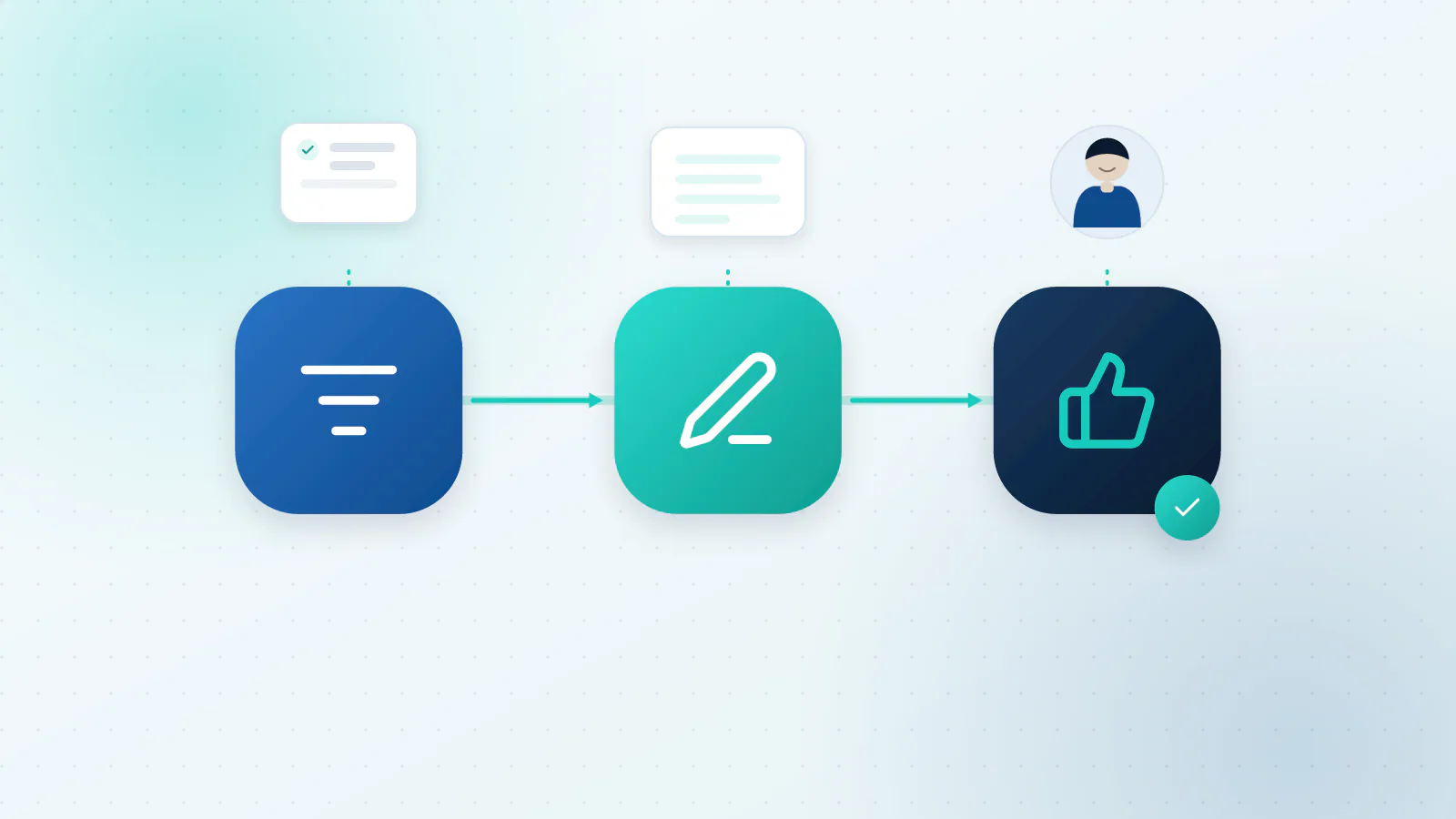
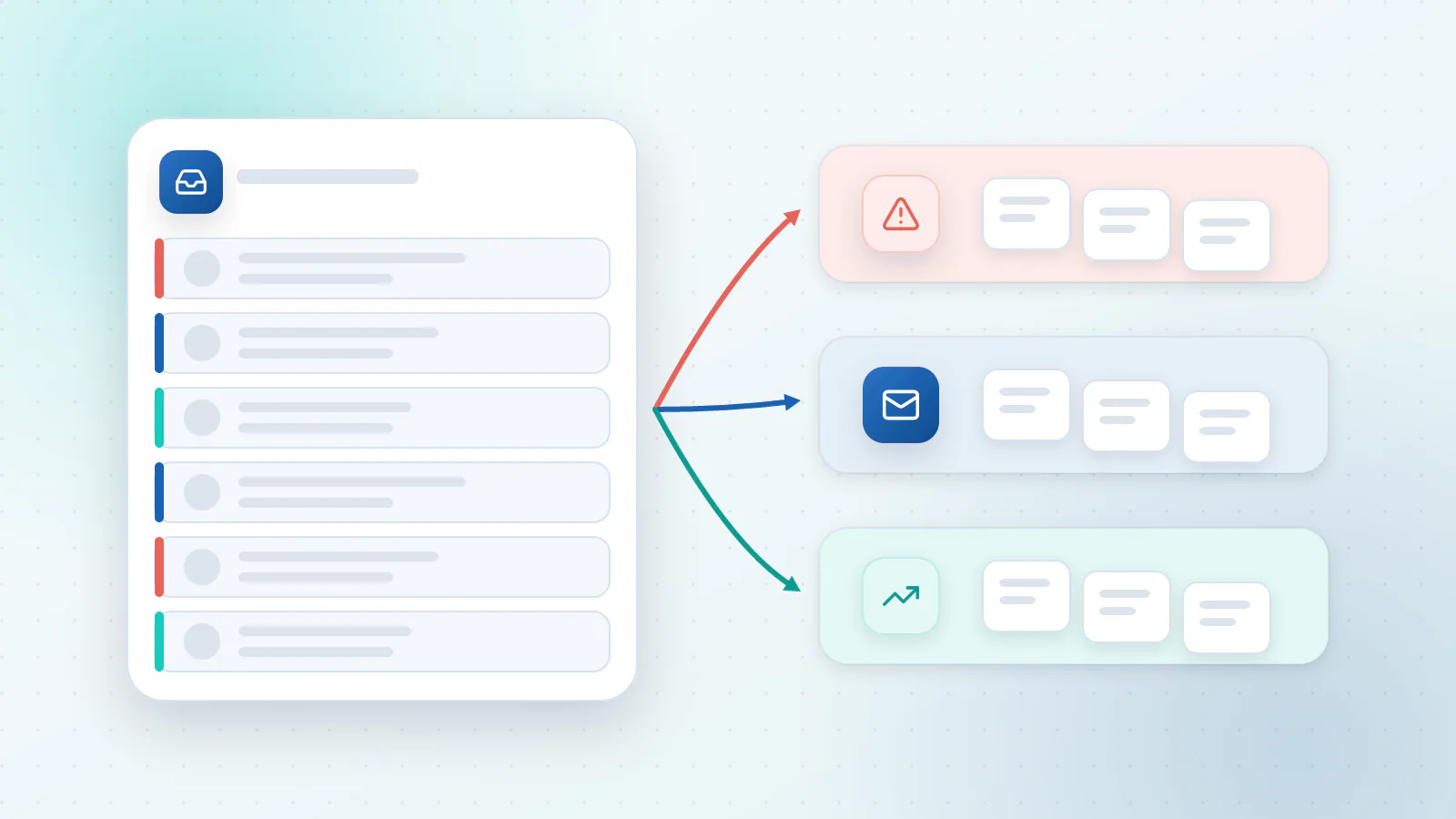
- Sort. Every message, from email, web chat, social media or text, is classified by what it’s about (order status, refund, pricing, complaint) and how urgent or upset it sounds, then routed.
- Draft. The assistant writes a reply using your own knowledge base: your FAQ, policies, product details and past replies. A good one shows which source it used.
- Resolve. For simple cases it takes the action too, like looking up an order or sending a copy of an invoice. A person approves the rest.
- Learn. When someone edits a draft, or the AI can’t answer, that’s a gap in your knowledge base. You fix the gap once, and every later answer improves.
The most important design choice is deciding who does what:
| The AI can do alone | The AI drafts, a person approves | Always a person |
|---|---|---|
| Opening hours, location, how to book | Refunds, credits and anything involving money | Legal threats and safety issues |
| Order status lookups | Policy exceptions | Upset or vulnerable customers |
| Sending a copy of an invoice | Complaints | Anything the AI isn’t sure about |
| Pointing to the right help article | Delivery problems | Requests outside your normal service |
How do you automate support in five steps?
Step 1: Connect your channels
One shared inbox is easier to run than five. Bring email, your website chat, social messages and texts into the same place, so the AI and your team see the whole conversation.
Step 2: Write down your answers
Pull out the 30 questions you answer most often from the last few months. Write the best possible answer to each, add your policies (returns, delivery, cancellations) and remove anything out of date. This is the unglamorous step that matters most. If the answer isn’t written down, the assistant will guess, and a confident guess is worse than silence.
Step 3: Sort and route
Set up the categories you use, plus an urgency level. Decide who receives each type: refunds to one person, technical problems to another, anything angry straight to the owner. Add tags so you can count how many of each you get.
Step 4: Draft with a person in the loop
For the first couple of weeks, have a person approve every reply. Count how many drafts get sent as written, how many get small edits and how many get rewritten. Once a category is sent unchanged almost every time, let the AI send that category on its own, and keep checking a sample.
Step 5: Close the loop every week
Spend half an hour on the edited drafts, the questions the AI couldn’t answer and the complaints. Add the missing answers. This habit is what makes the system better over time instead of merely busy.
What can go wrong?
The best-known example is Moffatt v. Air Canada. In 2024, a Canadian tribunal ruled that the airline was responsible for wrong information its website chatbot gave a customer about bereavement fares. Air Canada argued that the chatbot was a separate entity responsible for its own actions. The tribunal rejected that, calling it a remarkable submission, and found the airline had not taken reasonable care to make sure the chatbot was accurate (McCarthy Tétrault’s summary).
The lesson isn’t to avoid AI. It’s that what your assistant says is what your business says. So:
- Answer from approved content only, and link or cite the source.
- Hand over for money and exceptions. Refunds, credits and policy exceptions go to a person.
- Keep the conversations. Logs let you check what was said and fix what was wrong.
- Always offer a human. Nobody should be stuck in a loop with a bot.
- Watch the tone. Read a sample of replies as if you were the customer.
The human option has evidence behind it. The US Consumer Financial Protection Bureau’s report on chatbots in banking describes “doom loops”, where a chatbot keeps a customer in repetitive, unhelpful exchanges with no offramp to a human representative (CFPB). In a Gartner survey of 5,728 customers, 64% said they would prefer companies didn’t use AI for customer service, and the top concern was that it would get harder to reach a person. Gartner’s advice is that an AI chatbot should tell customers it will connect them to an agent if the AI cannot provide a solution, and then hand over to a person who picks up where the chatbot left off (Gartner, July 2024).
Privacy is the other big one. Don’t paste customer data into tools that train on it, and limit the assistant’s access to only the records it needs. The US Federal Trade Commission’s Office of Technology has warned AI companies that promises not to use customer data for secret purposes, such as training or updating their models, have to be kept, and that using data for other purposes without clear notice and consent, for example by quietly changing their terms of service, risks breaking the law (FTC). Read your provider’s terms, and ask them in writing what they do with your conversations.
When should you use AI chat, and when an AI agent?
An AI chat assistant answers questions from your knowledge. An AI agent also acts: it looks up the order, updates the ticket, books the call. Many businesses start with the assistant and add actions once the answers are reliable. Our guide to AI agents, chatbots and automation explains the difference, and what a website chatbot should and shouldn’t do covers the chat side in more depth.
How do you measure whether it’s working?
Track these before you start and again after a month:
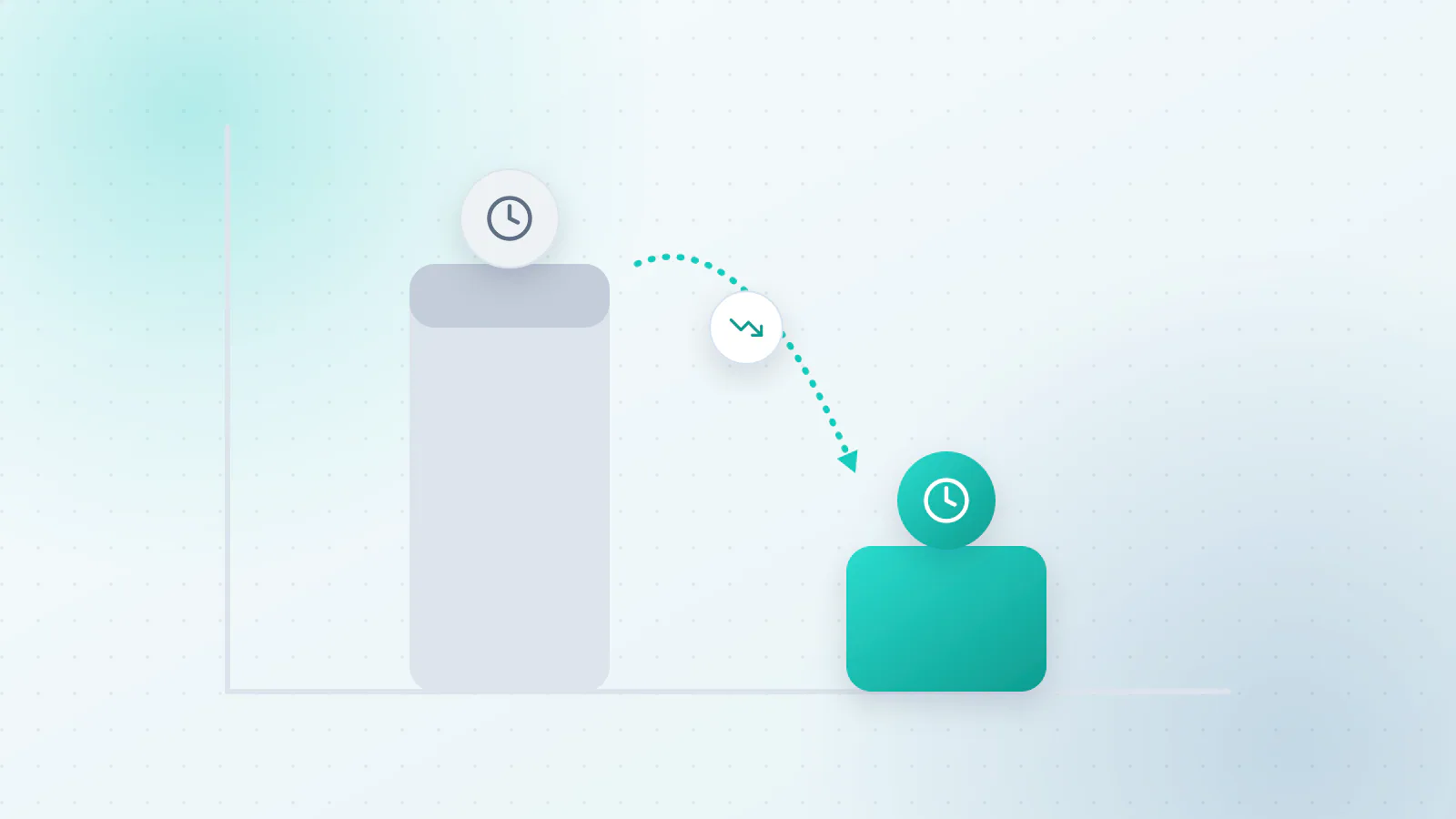
- First response time. How long a customer waits for the first reply.
- Resolved without a person. The share of conversations the AI handled alone.
- Edit rate. How many drafts a person had to rewrite.
- Hand-over rate. How often the AI passed a conversation to a person, and whether it was right to.
- Customer satisfaction. A one-question check after the conversation.
Our guide to how to tell if your AI is working goes through the numbers worth keeping. If the numbers disappoint, the cause is usually specific and fixable, and an AI Optimization review can find it without starting over.
When is it not worth it?
If you get a handful of messages a week, a good set of saved replies may be all you need. If nearly every request is unique and needs real thought, use AI for sorting and summarising only. And if your answers aren’t written down yet, write them first. That job pays off with or without AI.
What to do next
Show us the questions you get most and where the answers live. We’ll tell you which ones an assistant could handle, which should stay with your team, and how we’d set up the approval steps. Talk to us about your customer support, or read more about our AI Chat & Support service. To see support alongside the other work AI can take on, read which business processes AI can automate.

Questions about your own business?
Ask Sam how this applies to you, or book a free 20-minute audit and talk it through with the team.
Frequently asked questions
Will AI sound robotic?
It can if it's left on its defaults. Give it examples of replies you're proud of, set the tone you want and keep a person approving drafts at first. Much of the robotic feel comes from vague instructions and thin source material, not from the technology.
How should complex tickets be handled?
Let the AI sort and summarise them, then route them to the right person with the conversation and customer details attached. The person writes the reply, perhaps starting from an AI draft. The aim is to save them the reading and the lookup, not to remove their judgment.
Should customers be told they are talking to an AI?
Yes. A short line such as "You're chatting with our AI assistant, and a person can step in at any time" builds trust and avoids surprises. Always give people a way to reach a human.
What about customer privacy?
Only connect tools that handle customer data on terms you're comfortable with. Check whether the provider uses your conversations to train its models, how long it keeps them and who can see them, and limit the assistant's access to the records it needs.
How long until it's reliable enough to send replies on its own?
Expect a few weeks of review before you let it send anything alone, and start with the simplest categories. The first weeks mostly reveal gaps in your written answers, which is useful in itself.
Sources
- 82% of Consumers Expect Immediate Response on Sales or Marketing Questions (reporting HubSpot Research) Small Business Trends
- Moffatt v. Air Canada: misrepresentation by an AI chatbot McCarthy Tétrault
- Chatbots in consumer finance Consumer Financial Protection Bureau
- Gartner Survey Finds 64% of Customers Would Prefer That Companies Didn't Use AI For Customer Service Gartner
- AI Companies: Uphold Your Privacy and Confidentiality Commitments Federal Trade Commission